Chrome Extensions That Improve Website Reviews: A Better Way to Review Websites

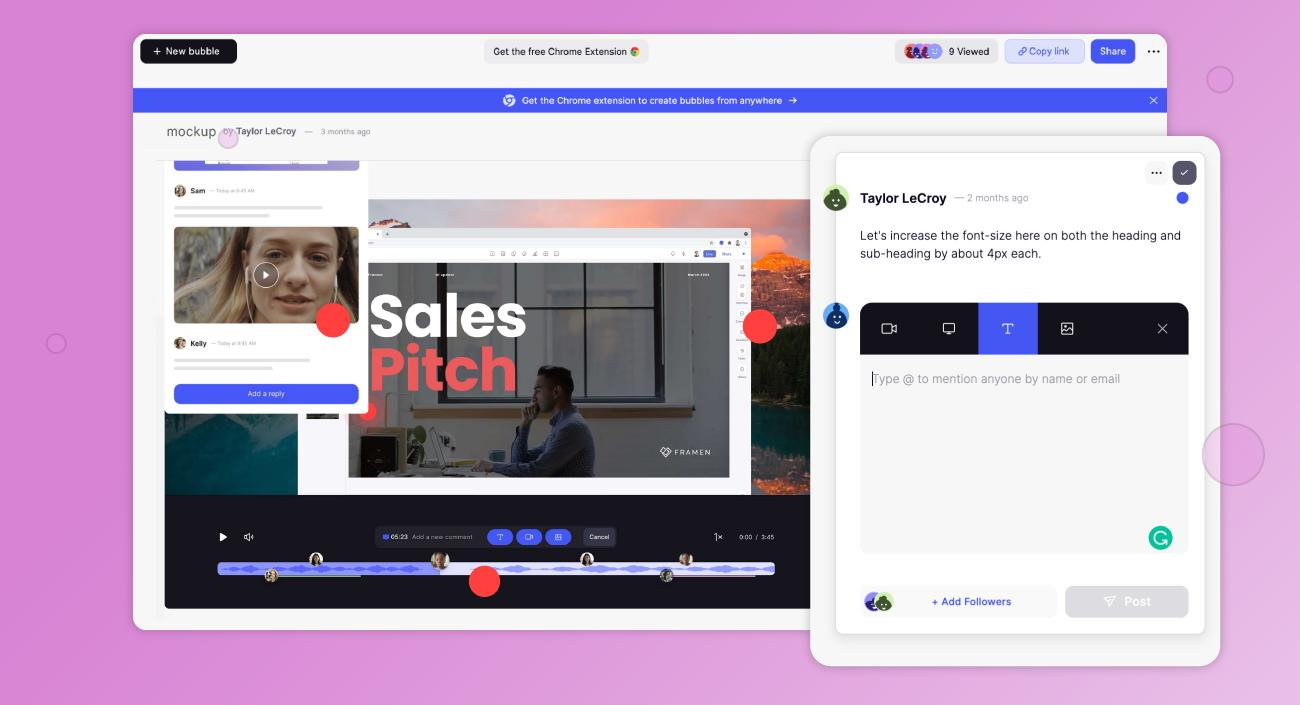
Website reviews are an essential part of every web project. Whether you're launching a new website, fixing bugs, or collecting client approvals, the review process can either speed up delivery or create unnecessary delays.
Many agencies and development teams still rely on emails, spreadsheets, screenshots, and messaging apps to collect feedback. While these methods work, they often lead to confusion, duplicate comments, and longer revision cycles.
A website review chrome extension changes this process completely. Instead of switching between multiple tools, you can review websites directly inside your browser, leave comments on specific elements, and organize feedback in one place.
If your team wants a faster, more organized way to review websites, WebPinch offers a simple solution built specifically for modern website collaboration.
Why Traditional Website Reviews Slow Down Projects
Traditional website reviews often involve multiple communication channels.
A client might send feedback through WhatsApp.
A designer replies via email.
A developer checks comments inside Slack.
Meanwhile, another stakeholder shares screenshots in Google Docs.
As the project grows, finding the latest version of feedback becomes difficult.
Common problems include:
Endless email chains
Missing page URLs
Unclear screenshot references
Duplicate bug reports
Forgotten change requests
Longer approval times
These small issues quickly become expensive because every misunderstanding leads to extra revisions.
What Is a Website Review Chrome Extension?

A website review chrome extension allows users to review live websites directly inside Google Chrome.
Instead of describing an issue manually, users simply click on the exact part of the webpage that needs attention and leave contextual feedback.
The extension automatically captures important technical information such as:
Current webpage URL
Browser version
Screen resolution
Screenshot
Device information
This makes it much easier for designers and developers to reproduce issues without asking additional questions.
Why Agencies Prefer Browser-Based Website Reviews
Modern digital agencies handle multiple projects simultaneously.
Managing client feedback efficiently has become just as important as building beautiful websites.
Using a browser-based review process helps agencies:
Reduce communication gaps
Deliver projects faster
Improve client satisfaction
Minimize revision cycles
Keep every comment organized
Instead of spending hours decoding screenshots, developers receive actionable feedback with complete context.
How WebPinch Makes Website Reviews Effortless
WebPinch is designed specifically to simplify website collaboration.
Rather than juggling multiple communication tools, teams can collect visual feedback directly on the website.
Some of the most useful features include:
📍 Pin Feedback Anywhere
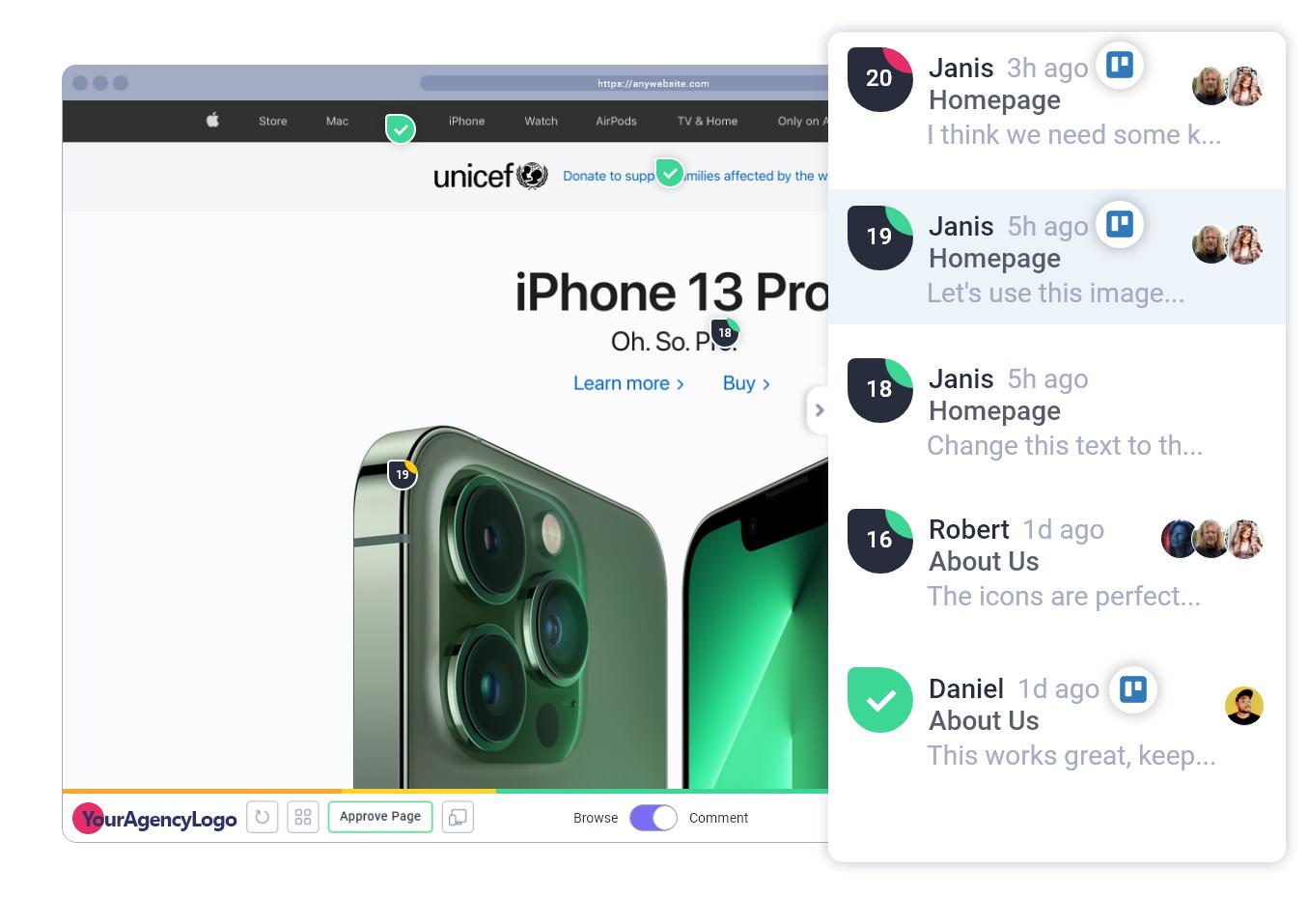
Click any section of a webpage and leave comments exactly where changes are needed.
📸 Automatic Screenshots
Every comment includes a screenshot, reducing confusion during implementation.
🌐 Browser Information
WebPinch captures browser details automatically, helping developers reproduce issues accurately.
📋 Kanban Task Board
Convert website comments into organized tasks and track progress from review to completion.
👥 Better Team Collaboration
Designers, developers, QA teams, marketers, and clients all work from one centralized feedback platform.
⚡ Chrome Extension Convenience
Since WebPinch works as a Chrome extension, users don't need to install complicated software or switch between multiple applications.
Traditional Reviews vs. WebPinch
Traditional Review Process: Using WebPinch, email chains, visual pinned comments, Screenshots in chats, automatic screenshots, manual bug descriptions, context-aware feedback, missing browser details, auto-collected browser info, multiple communication tools, one centralised workspace, difficult task tracking, built-in Kanban board tracking, longer revision cycles, faster approvals
Who Can Benefit from a Website Review Chrome Extension?
A website review chrome extension is valuable for almost everyone involved in a web project.
Digital Agencies
Collect client feedback without endless email conversations.
Web Designers
Receive clear visual comments on layouts, typography, colors, and spacing.
Developers
Get accurate technical information that helps reproduce bugs quickly.
QA Teams
Track website issues systematically before launch.
Marketing Teams
Review landing pages, CTAs, forms, and content before campaigns go live.
Clients
Leave feedback without learning complicated project management tools.
Best Practices for Website Reviews
Following a structured review process helps every project move faster.
Some simple practices include:
Review one page at a time.
Leave comments directly on the affected element.
Avoid sending screenshots through chat apps.
Assign tasks immediately after review.
Resolve feedback before adding new requests.
Keep all discussions inside one review platform.
When these habits are combined with WebPinch, website approvals become much more efficient.
Why Chrome Extensions Are Becoming Essential for Website Reviews
The web development industry is moving toward faster collaboration and shorter project timelines.
Browser-based tools eliminate unnecessary communication and help teams work in real time.
Instead of spending hours explaining issues, everyone sees the exact problem immediately.
This saves time for clients, designers, developers, and project managers alike.
As websites become more complex, using a website review chrome extension is no longer just a convenience—it is becoming an essential part of an efficient workflow.
Frequently Asked Questions
What is a website review Chrome extension?
A website review Chrome extension is a browser tool that allows users to leave comments, report bugs, and review webpages directly inside Chrome without using emails or screenshots.
Why should I use a website review Chrome extension?
It speeds up feedback collection, reduces confusion, improves collaboration, and shortens website revision cycles.
How does WebPinch improve website reviews?
WebPinch lets users pin comments directly on webpages, automatically captures screenshots and browser information, and organises feedback into trackable tasks.
Is WebPinch suitable for agencies?
Yes. WebPinch is built for agencies, freelancers, designers, developers, QA teams, and clients who want a faster website review process.
Can clients leave feedback without technical knowledge?
Absolutely. Clients simply click on the webpage and leave comments. No technical expertise is required.
Final Thoughts
Website reviews shouldn't slow down great projects.
When feedback is scattered across emails, screenshots, and messaging apps, teams spend more time searching for information than fixing problems.
A website review chrome extension like WebPinch transforms this process by making feedback visual, organized, and actionable. With pinned comments, automatic screenshots, browser details, and task tracking in one place, teams can collaborate more effectively and launch websites with greater confidence.
If you're looking for a smarter way to review websites, WebPinch provides the tools to streamline collaboration, reduce revisions, and deliver projects faster.
Try WebPinch free
Pin feedback on any website, capture screenshots automatically, and track everything on a Kanban board.