How Visual Feedback Improves Website Collaboration
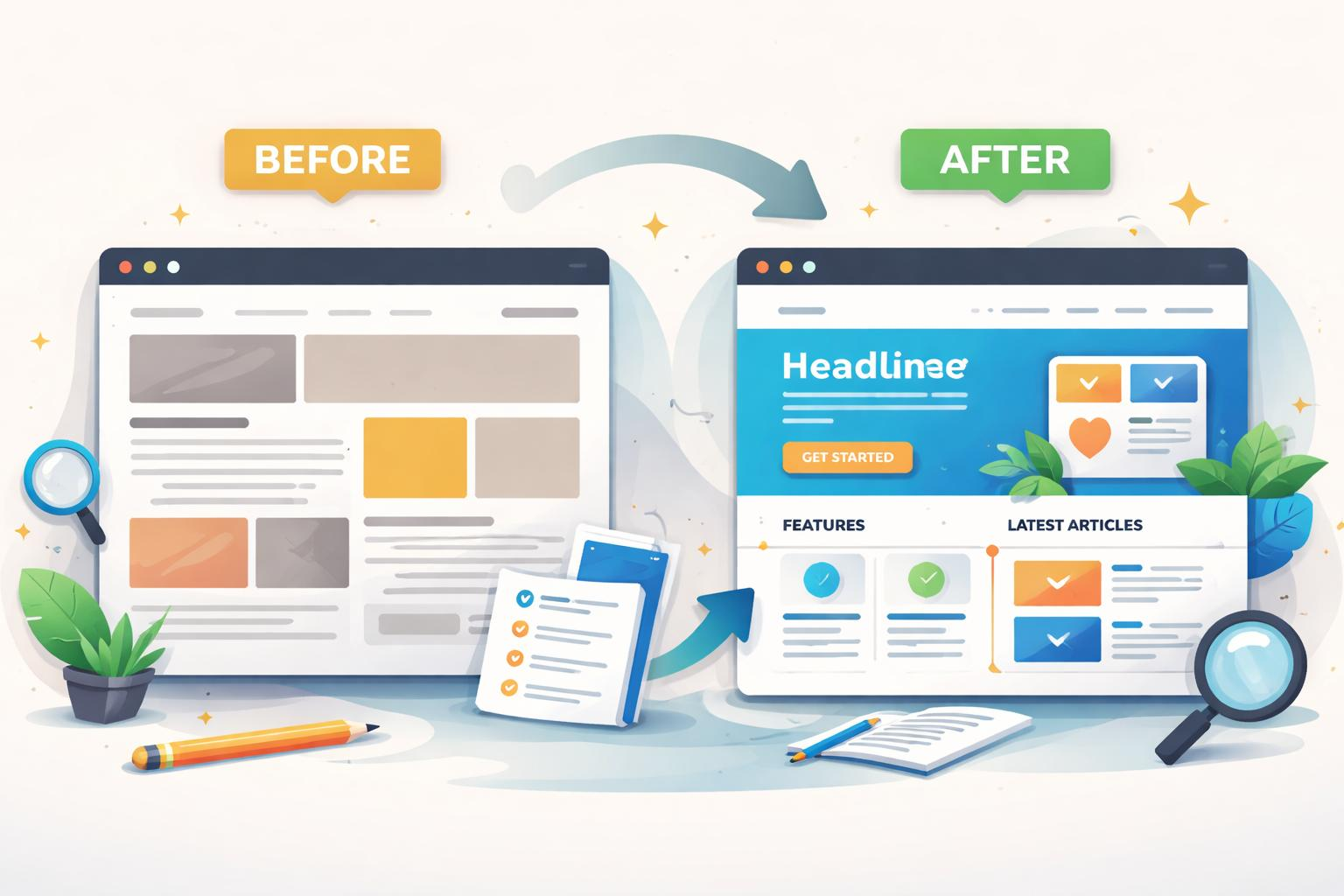
How Visual Feedback Improves Website Collaboration
Building a website takes more than writing code. Designers, developers, marketers, project managers, QA testers, and clients all need to work together — but collaboration often turns messy fast. Feedback gets scattered across emails, chat apps, spreadsheets, screenshots, and endless meetings, and nobody's quite sure which version they're looking at anymore.
Visual feedback fixes this.
Instead of writing "the button below the third image on the homepage doesn't look right," reviewers just click directly on the page and leave the comment exactly where it belongs.
This guide covers what visual feedback is, why it beats the old way of doing things, and how tools like WebPinch make website reviews faster and less painful.

What Is Visual Feedback?
Visual feedback lets users comment directly on a live website or staging environment by clicking the exact element they want to flag — no explaining required.
A few examples of what that looks like in practice:
"Increase this button size."
"Replace this image."
"Typography looks too small here."
"Spacing between these cards is uneven."
Every comment stays pinned to its exact spot on the page, so nothing gets lost in translation.
Why Traditional Feedback Methods Fall Short
Most teams still collect website feedback through:
Email
WhatsApp
Slack
Zoom calls
Screenshots
Google Docs
These work fine for small projects. But as a project grows, so do the cracks:
Feedback gets lost in long threads.
Screenshots go stale the moment the page changes.
Developers can't pinpoint the actual issue.
Clients end up repeating the same comments.
Everyone's working from a different version of "the latest."
Eventually, the team spends more time hunting for context than actually fixing anything.
How Visual Feedback Improves Website Collaboration
1. Eliminates Miscommunication
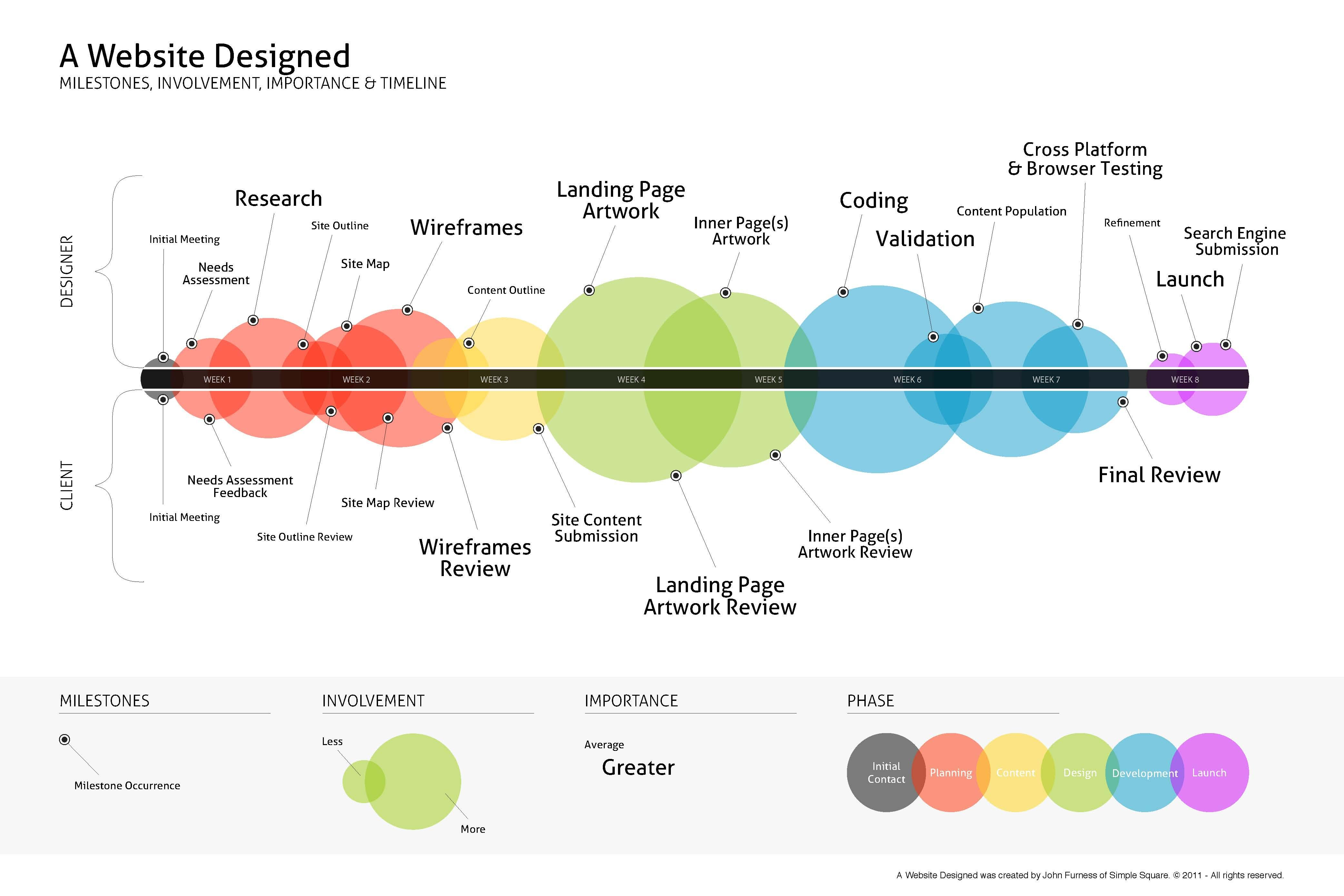
Clarity is the biggest win. Instead of writing "the text near the image isn't aligned," a reviewer just pins the exact spot. The developer instantly knows the page, the section, the element, and what needs to change — no back-and-forth required.
2. Faster Design Reviews
Design approvals usually mean multiple rounds of revisions. Visual feedback lets clients review layout, color, typography, icons, images, buttons, and animations right on the live site, which speeds up approvals considerably.
3. Developers Save Real Time
Developers dread vague bug reports like "the homepage is broken." Visual feedback tools instead deliver the exact page, the exact element, browser and screen resolution info, a screenshot, and the reviewer's comment — all in one place. Debugging time drops dramatically.
4. Keeps Everyone on the Same Page
Website projects pull in designers, developers, SEO specialists, marketers, clients, and QA testers. Visual feedback creates one shared workspace where everyone sees the same comments — no duplicate discussions, no missing updates, no confusion about who said what.
5. Simplifies Client Communication
Most clients aren't fluent in technical language. Instead of "the hero CTA below the navigation overlaps due to CSS padding," they can just click and write "move this button down." Simple language means faster revisions.
6. Makes Bug Reporting Painless
Pointing directly at a broken button, a layout glitch, a responsive issue, a missing image, a dead link, or a JavaScript error is far faster than writing it all out. The annotation stays attached to the exact page where the problem lives.
7. Improves Remote Team Collaboration
Distributed teams span time zones, and visual feedback makes asynchronous work seamless. Someone leaves a comment today, a developer resolves it tomorrow, and a project manager verifies it later — no meeting required.
8. Better Project Tracking
Instead of wondering whether an issue's been fixed, who's working on it, or if it's approved, modern visual feedback tools organize everything into clear stages: Open → In Progress → Resolved → Closed. Status is visible at a glance.
How WebPinch Makes Website Collaboration Better
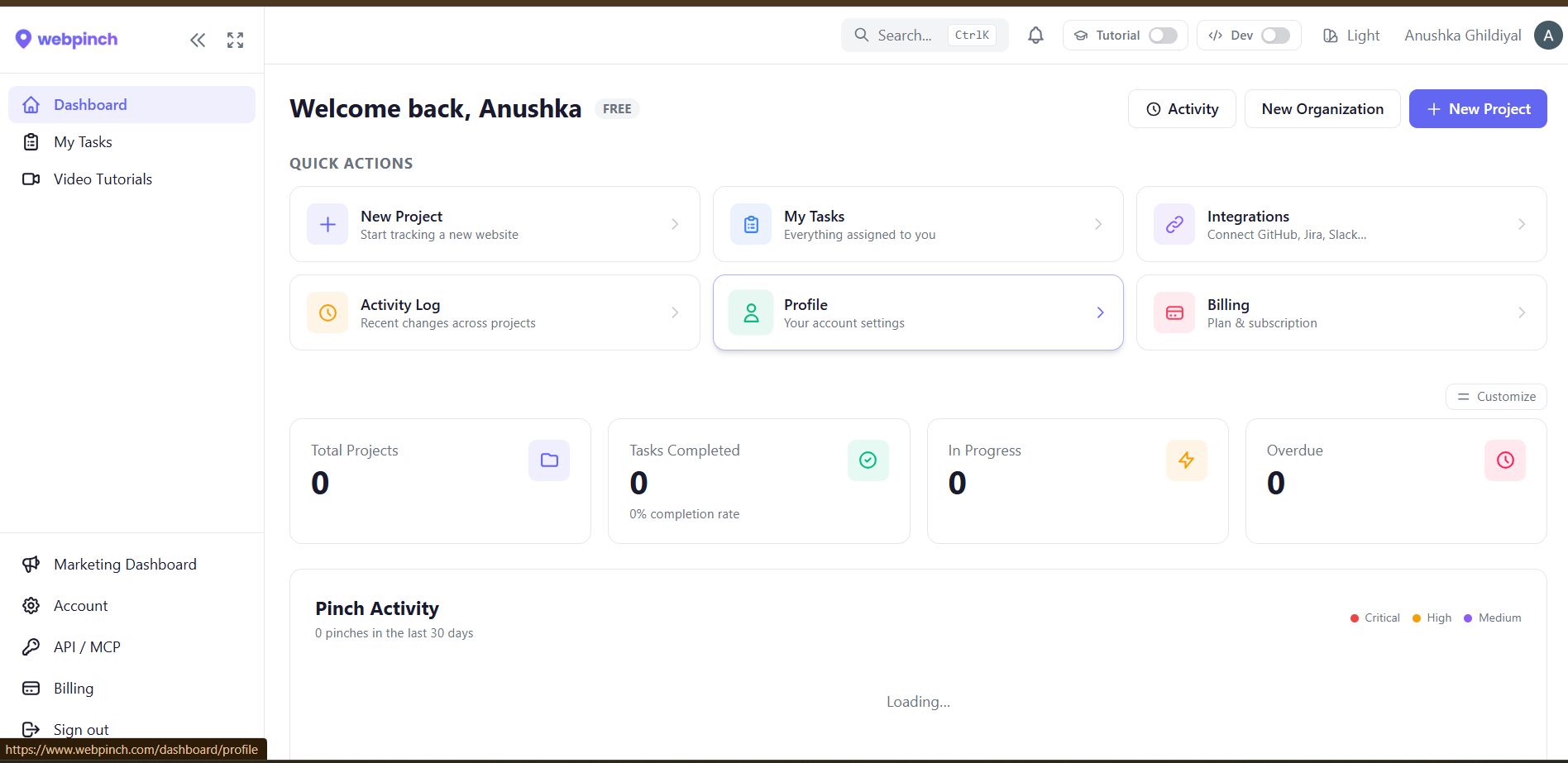
WebPinch is built specifically to simplify website collaboration through visual feedback. Instead of juggling screenshots and email chains, your team collaborates directly on the live website.
Key features:
Pin comments anywhere on a webpage
Automatic screenshot capture
Assign issues to team members
Kanban board for task organization
Track progress from Open to Closed
Collaborate with both clients and internal teams
Browser extension for quick feedback
One centralized workspace for all website comments
The result: less confusion, faster fixes, and websites that ship sooner.
Real-World Example
Imagine your team is redesigning an eCommerce site.
Without visual feedback:
Client: "The image looks wrong." Developer: "Which page?" Client: "The product page." Developer: "Which product?" [Client sends another screenshot. Designer joins the thread. Hours pass.]
With visual feedback:
Client opens the website, clicks the product image, and pins: "Replace this image with the latest version." Developer sees the exact location immediately. Issue resolved in minutes.
Benefits at a Glance
Traditional Feedback Visual Feedback Long email threads Direct comments on webpages Confusing screenshots Exact page location Difficult bug reports One-click annotations Slow approvals Faster reviews Multiple communication tools One centralized workspace Lost feedback Organized task tracking Repeated discussions Transparent collaboration
Best Practices for Website Collaboration
To get the most out of visual feedback:
Keep feedback specific and actionable.
Review staging sites before launch.
Assign every issue to an owner.
Prioritize critical bugs first.
Mark completed tasks as resolved.
Avoid splitting discussions across multiple channels.
Store all feedback in one place.
Who Should Use Visual Feedback?
Visual feedback benefits nearly anyone involved in building or maintaining a website, including:
Web design agencies
Freelance developers
Marketing teams
SaaS companies
Product managers
QA testers
UX/UI designers
Website owners
Enterprise development teams
Frequently Asked Questions
What is visual feedback in website collaboration? It lets reviewers leave comments directly on a webpage by clicking the exact element that needs changes — making communication clearer and faster.
Why is visual feedback better than email? Emails lead to scattered conversations and lost context. Visual feedback keeps every comment tied to its exact location on the site.
Can visual feedback help developers? Yes. Developers get precise information — including the exact location of the issue — which cuts debugging time significantly.
Is visual feedback useful for clients? Absolutely. Clients don't need technical knowledge; they just click on an element and describe what they want changed.
Which tool can improve website collaboration? Tools like WebPinch help teams collect visual feedback, track issues, and collaborate from one central workspace.
Final Thoughts
Website projects move faster when communication is clear. Instead of long email threads and outdated screenshots, visual feedback gives teams a shared, visual way to review sites, report issues, and approve changes.
Whether you're a designer, developer, marketer, or client, switching to a visual feedback workflow cuts down on misunderstandings, speeds up revisions, and raises the overall quality of the collaboration. With platforms like WebPinch, teams can centralize feedback, stay aligned, and ship better websites with a lot less friction.
Try WebPinch free
Pin feedback on any website, capture screenshots automatically, and track everything on a Kanban board.