The Website Looked Fine. Nobody Checked What Was Hiding Behind It.
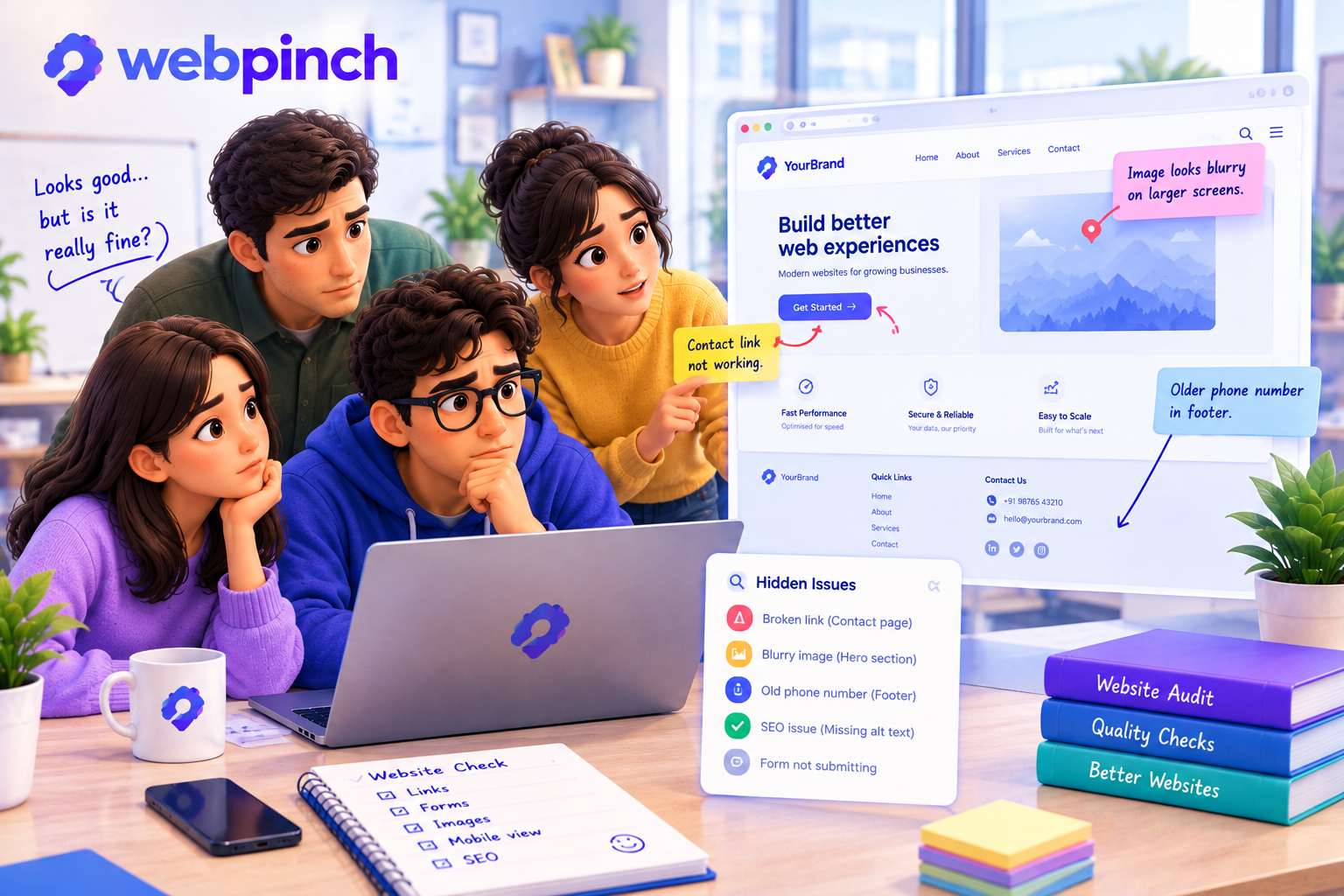
The homepage looked great.
The colours matched the design. The images loaded properly. The headings were in the right places.
Everyone was happy.
Then someone clicked the contact link.
Nothing happened.
It was a small problem. The kind that takes a few minutes to fix once you find it.
But it had been sitting there the entire time.
And nobody had noticed.
A Website Can Look Finished Without Being Finished
This is one of the strange things about building websites.
You can spend days getting the design right and still miss something surprisingly simple.
A link points to the wrong page.
An image looks blurry on a larger screen.
A form doesn't behave the way someone expected.
A page has a small technical issue that nobody noticed during the design review.
None of these problems necessarily makes a website look broken at first glance.
That's precisely why they're easy to miss.
When a team has spent weeks working on a project, people naturally focus on the big things. The homepage. The layout. The launch date.
The smaller details can slip through.
Not because the team doesn't care, but because there's always something else demanding attention.
The Problem With Only Looking at the Surface
Imagine reviewing a website and asking one question:
“Does it look good?”
That's a reasonable starting point.
But it doesn't tell you whether every important link works, whether a page has an unexpected issue, or whether a visitor can complete the action they came to perform.
A website isn't just something people look at.
It's something they use.
And those are two very different things.
A beautiful contact page doesn't help much if the contact form fails. A polished product page loses its purpose if the main button leads nowhere.
The details matter because visitors don't experience your website as a design file. They experience it one click at a time.
Sometimes You Need a Second Pair of Eyes
One reason small problems survive for so long is familiarity.
When you've looked at the same page for days, you start seeing what you expect to see.
You know where the button should lead.
You know how the layout is supposed to work.
You might even click through a page without consciously noticing its smaller details.
Someone seeing the website for the first time may notice something you've overlooked.
That's why website reviews should involve more than a quick visual check.
Walk through the pages. Click the important links. Test the forms. Check different screen sizes. Ask someone unfamiliar with the project to try the main user journey.
And when something looks wrong, make sure the team can identify exactly where it happens.
Give Every Problem Somewhere to Go
Finding an issue is only the beginning.
Someone still needs to understand it, fix it, and check the result.
This is where WebPinch can help.
WebPinch lets reviewers pin feedback directly onto a website, with screenshots and relevant technical context captured alongside the comment. Its built-in site audits can also help teams identify website issues, including SEO problems and broken links.
Visual Website Feedback & Bug Reporting
+1
Instead of keeping every observation in someone's memory, the team has a clearer way to turn findings into work.
A small issue becomes a visible task.
A task can be tracked.
And the team has a better chance of catching the things that might otherwise slip through.
Before You Call It Done
The goal isn't to spend forever searching for problems.
No website review can guarantee that every possible issue has been found.
The goal is to look beyond the parts that appear finished and check whether the experience actually works.
Because sometimes the most important problem on a website isn't the one everyone has been discussing.
It's the one nobody thought to check.
A website isn't finished just because it looks ready. It's finished when the details have had their turn, too.
Try WebPinch free
Pin feedback on any website, capture screenshots automatically, and track everything on a Kanban board.