The Website Made Sense to the Team. Nobody Asked a First-Time Visitor.
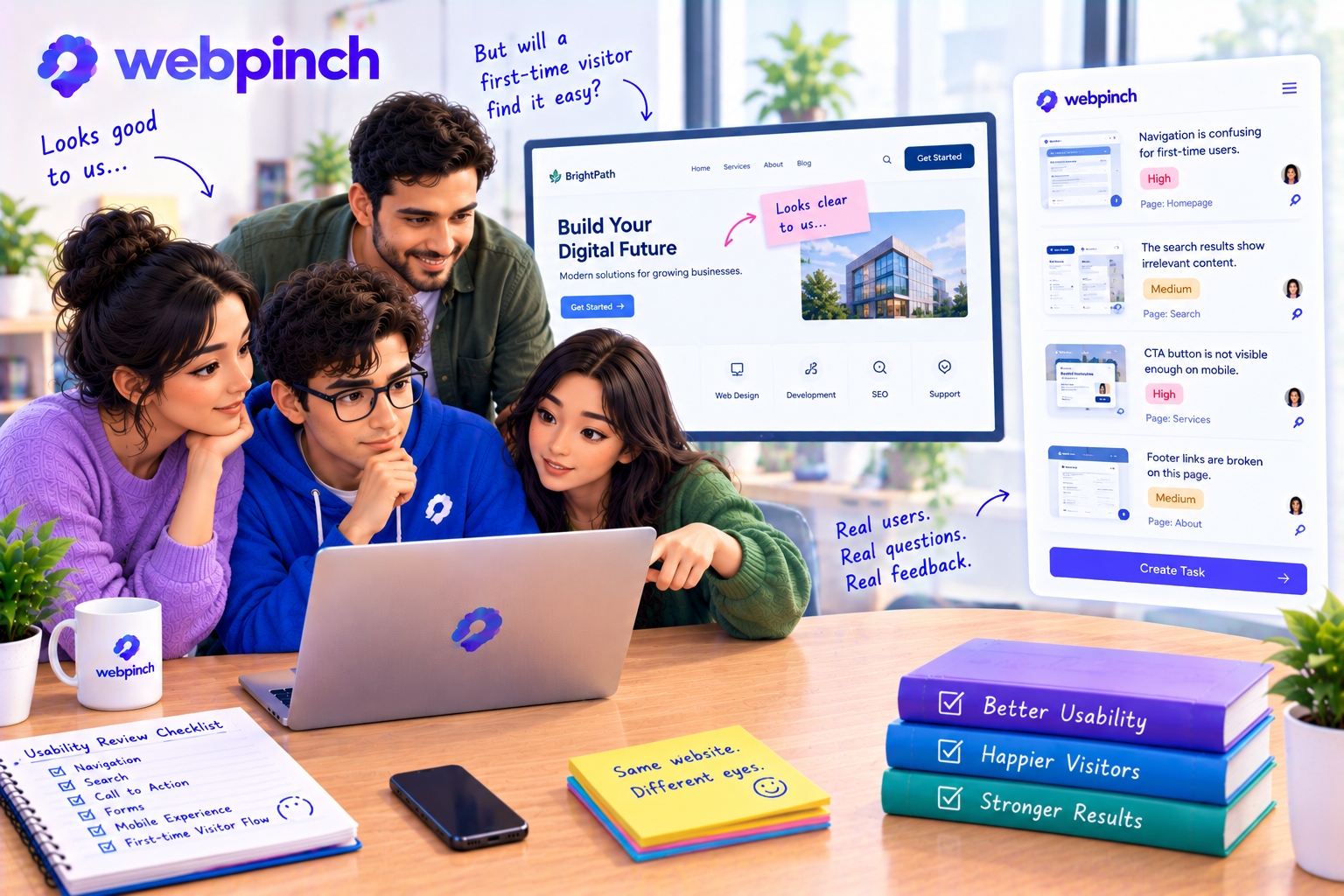
Everyone knew where to click
The team had spent weeks working on the website.
The designer knew exactly why the navigation was arranged the way it was. The developer knew which buttons led to which pages. The project manager could explain the entire customer journey without looking at a single screen.
During the review, everything felt obvious.
Then a person who had never seen the website before tried to use it.
They hovered over the navigation, unsure which option to choose. They scrolled past the main call to action because it didn't look important. When they finally reached the right page, they weren't sure what they were supposed to do next.
The team watched quietly.
Someone eventually said, “Oh, I didn't realise that wasn't obvious.”
And that was the moment they realised something important: they had designed a website that made sense to the people who built it.
That didn't necessarily mean it made sense to everyone else.
Familiarity changes how we see a website
When you spend enough time working on a project, you stop seeing it the way a new visitor does.
You know what every label means. You remember where the important information lives. You understand the reason behind every design decision.
A first-time visitor has none of that context.
They arrive with a question, a problem, or a simple goal. They might want to compare services, find a price, book a call, or understand what a business actually does.
They're not interested in figuring out the team's internal logic.
They want the website to help them move forward.
That's the real purpose of website usability: making it easier for people to understand a page and complete the task they came to do.
A working website can still feel confusing
Not every usability problem looks like a bug.
The navigation might technically work, but the labels could be unclear. A form might submit successfully, but visitors may not understand which fields are required. A call-to-action button could lead to the correct page while still being difficult to notice.
From a technical perspective, nothing is broken.
From the visitor's perspective, something is getting in the way.
These are the problems teams often miss when they review a website only by checking whether each element functions correctly.
A useful review asks different questions:
Can a first-time visitor understand what the business offers?
Is the next step clear without someone explaining it?
Do menu labels match the language visitors would naturally use?
Can people find important information without excessive scrolling?
Does the page explain what happens after a form is submitted?
Can visitors tell whether an action was successful?
The answers can reveal more than another round of checking whether buttons work.
Let someone unfamiliar try it
One of the simplest ways to spot usability problems is to ask someone unfamiliar with the project to complete a realistic task.
Don't tell them where to click.
Instead, give them a goal: “Find the service that suits your business,” or “Work out how to contact the team.”
Then watch what happens.
Where do they pause? What do they overlook? Which labels make them hesitate? Do they expect something different to happen after clicking a button?
Try not to explain the interface while they're using it. The confusion itself is useful information.
You don't need a large research project to learn something valuable. Even a few honest observations can reveal assumptions the team didn't realise it was making.
Turn observations into improvements
When someone says, “I didn't know what to do here,” it's tempting to explain how the website works.
But the better question is: What could we change so the next person doesn't have the same problem?
Maybe the button needs clearer wording. Perhaps the navigation label should be more specific. Maybe the page needs a short explanation before asking visitors to take action.
Visual feedback can help teams record exactly where those moments occur. Webpinch allows reviewers to pin comments to elements on the website and track the resulting tasks, making it easier to discuss a confusing section without relying on vague descriptions.
WebPinch
+1
The tool helps organise the feedback; the team still needs to decide which changes will genuinely improve the experience.
Build for the person who knows nothing about your project
A website should make sense even when nobody is standing beside the visitor to explain it.
That doesn't mean every page must be stripped down or every interaction must be obvious at first glance. It means important actions, information, and next steps should feel understandable to the people who need them.
The next time your team says, “It's pretty straightforward,” invite someone new to try it.
Watch before you explain. Listen before you defend the design. And treat moments of hesitation as opportunities to improve.
Because the best website isn't necessarily the one the team finds easiest to use.
It's the one that helps a first-time visitor feel like they already know their way around.
Try WebPinch free
Pin feedback on any website, capture screenshots automatically, and track everything on a Kanban board.