WebPinch vs BugHerd: Complete Feature Comparison
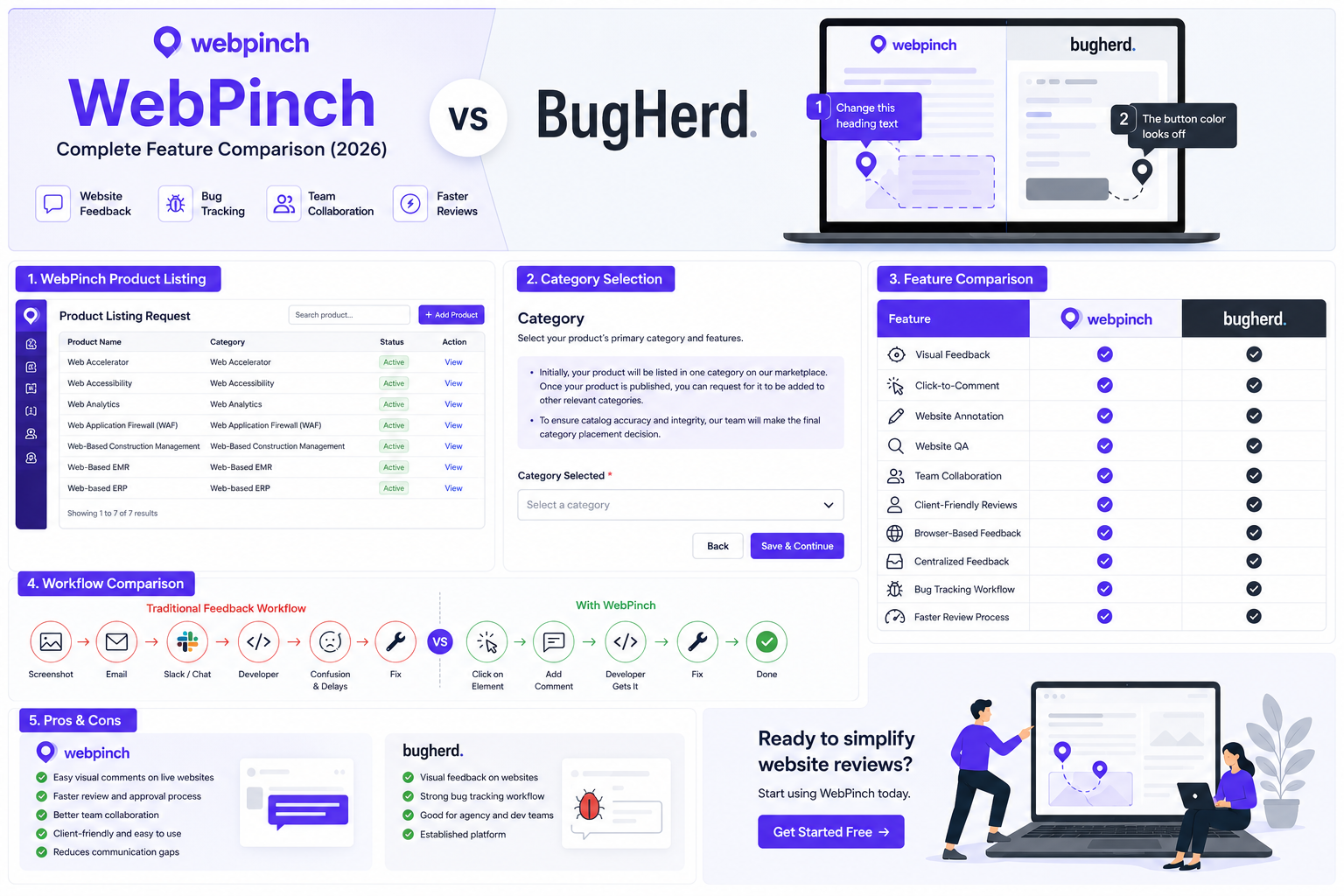
Website feedback can make or break a web project. Whether you're a developer, designer, QA tester, project manager, or agency owner, the right tool helps you collect feedback faster, reduce confusion, and launch websites with confidence.
When comparing WebPinch vs BugHerd, both tools aim to simplify website reviews, but they approach collaboration differently. In this guide, we'll compare their features, usability, pricing considerations, and ideal use cases to help you decide which solution fits your workflow.
What is WebPinch?
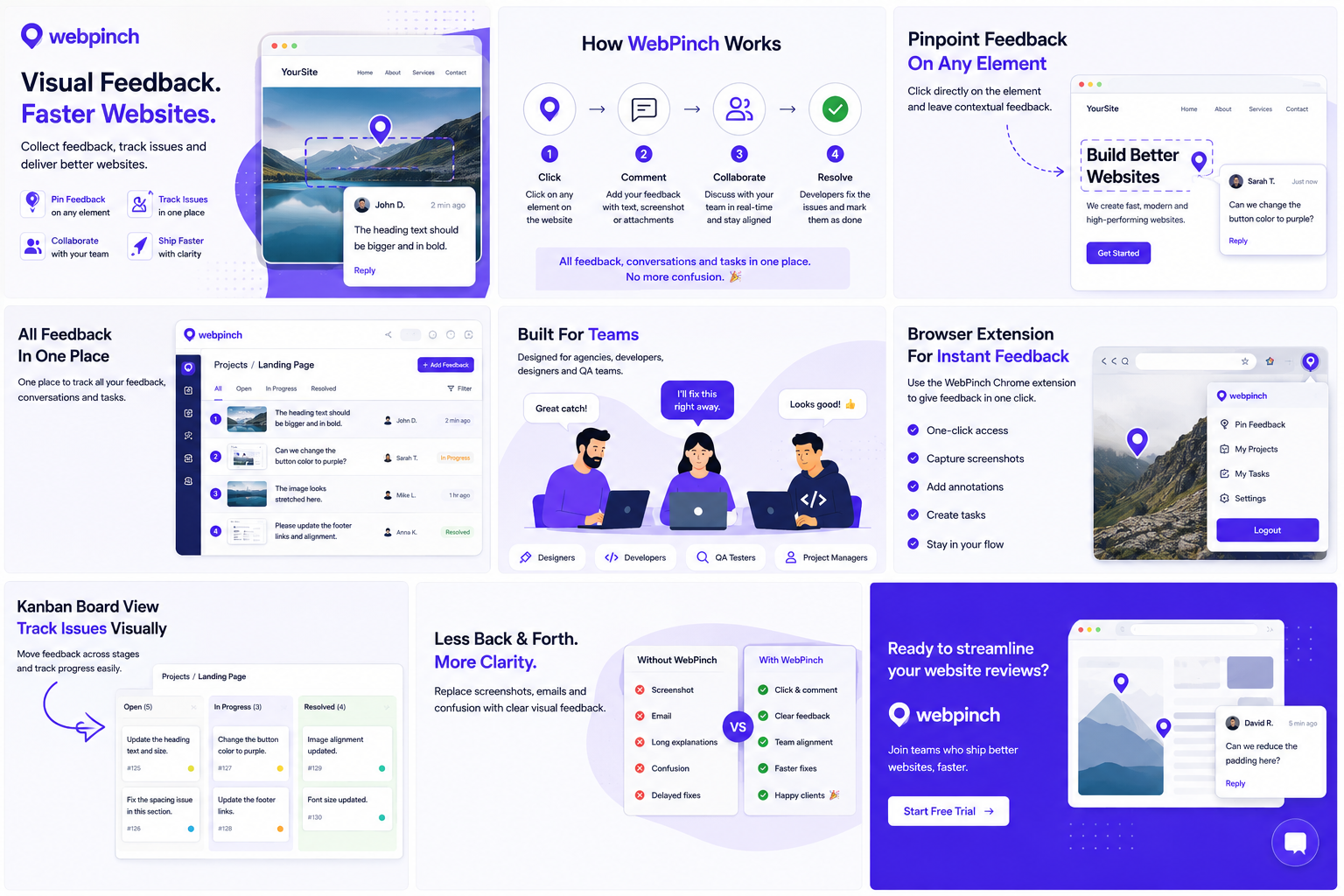
WebPinch is a visual website feedback platform that lets reviewers place comments directly on live web pages. Instead of relying on screenshots, long email threads, or spreadsheets, users click on the exact element that needs attention and leave contextual feedback.
It is designed for:
Web agencies
Freelancers
Developers
Designers
QA testers
Marketing teams
What is BugHerd?
BugHerd is a website feedback and bug-tracking platform that allows teams to collect visual feedback directly on websites. It is widely used by agencies and development teams to simplify QA and website review workflows.
WebPinch vs BugHerd: Feature Comparison
Feature WebPinch BugHerd Visual comments on live website
Click-to-pin feedback
Browser-based reviewing
Client-friendly interface
Centralized feedback
Bug tracking workflow
Website collaboration
Suitable for agencies
QA testing support
1. Website Feedback Experience
One of the biggest reasons teams search for WebPinch vs BugHerd is to find a faster way to collect website feedback.
Instead of writing:
"The button below the third image needs more padding."
Users simply click the button and leave the comment directly where the issue exists.
This eliminates unnecessary back-and-forth communication.
2. Collaboration
Modern web projects involve:
Designers
Developers
Clients
Project managers
QA testers
WebPinch keeps all comments in one place, making it easier to understand what needs to be fixed and reducing the chance of missing feedback.
3. Client Experience
Clients often aren't familiar with technical tools.
A visual commenting system makes it much easier for non-technical users to review websites without creating confusing feedback.
This can speed up approvals and reduce revision cycles.
4. Website Testing
Testing before launch is critical.
Both platforms help teams review websites visually, making it easier to identify UI issues, layout problems, and content updates before publishing.
5. Workflow Efficiency
Many teams still rely on:
Email
WhatsApp
Slack
Google Docs
Screenshots
A visual feedback platform centralizes discussions, helping teams spend less time searching for comments and more time resolving issues.
Pros and Cons
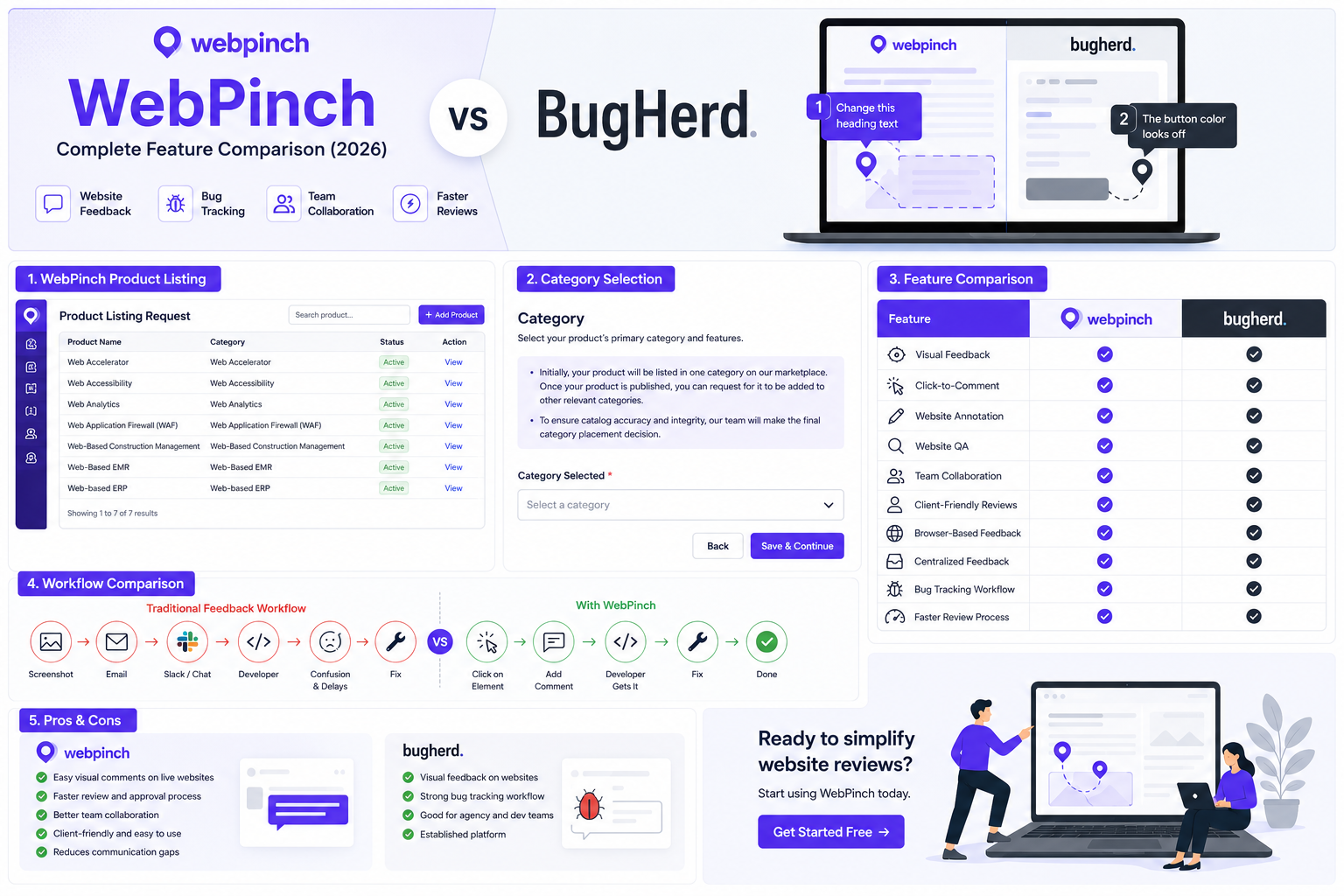
WebPinch
Pros
Easy visual commenting
Simple collaboration
Designed for website reviews
Helps reduce communication gaps
Streamlined review process
Cons
Teams should evaluate whether it integrates with their existing workflow and tools.
BugHerd
Pros
Established website feedback platform
Visual bug tracking
Suitable for agency workflows
Cons
Teams should compare pricing, integrations, and workflow preferences to determine the best fit.
Who Should Choose WebPinch?
WebPinch is a good fit for:
Web design agencies
Freelancers
Developers
QA teams
Marketing teams
Website owners
If your goal is to simplify website reviews and reduce communication friction, WebPinch vs BugHerd is a comparison worth making before choosing your workflow.
Final Verdict: WebPinch vs BugHerd
Both platforms are built to improve website collaboration and reduce confusion during reviews. The right choice depends on your team's workflow, budget, and feature requirements.
If you're looking for a modern way to collect visual website feedback, streamline reviews, and keep comments organized in one place, WebPinch is worth evaluating alongside BugHerd.
Before making a decision, consider your team's review process, client collaboration needs, and the integrations that matter most to your projects.
Frequently Asked Questions
Is WebPinch better than BugHerd?
Both tools support visual website feedback. The better choice depends on your team's workflow, collaboration needs, pricing, and preferred feature set.
What is the main difference between WebPinch and BugHerd?
Both platforms help collect visual feedback on websites. The key differences are likely to be in workflow, integrations, pricing, and overall user experience, so it's worth evaluating each against your team's requirements.
Who should use WebPinch?
WebPinch is suitable for agencies, developers, designers, QA testers, freelancers, and businesses that want to simplify website feedback.
Try WebPinch free
Pin feedback on any website, capture screenshots automatically, and track everything on a Kanban board.