WebPinch Practitioner
Master WebPinch end to end — from your first pin to automating with Claude via MCP.
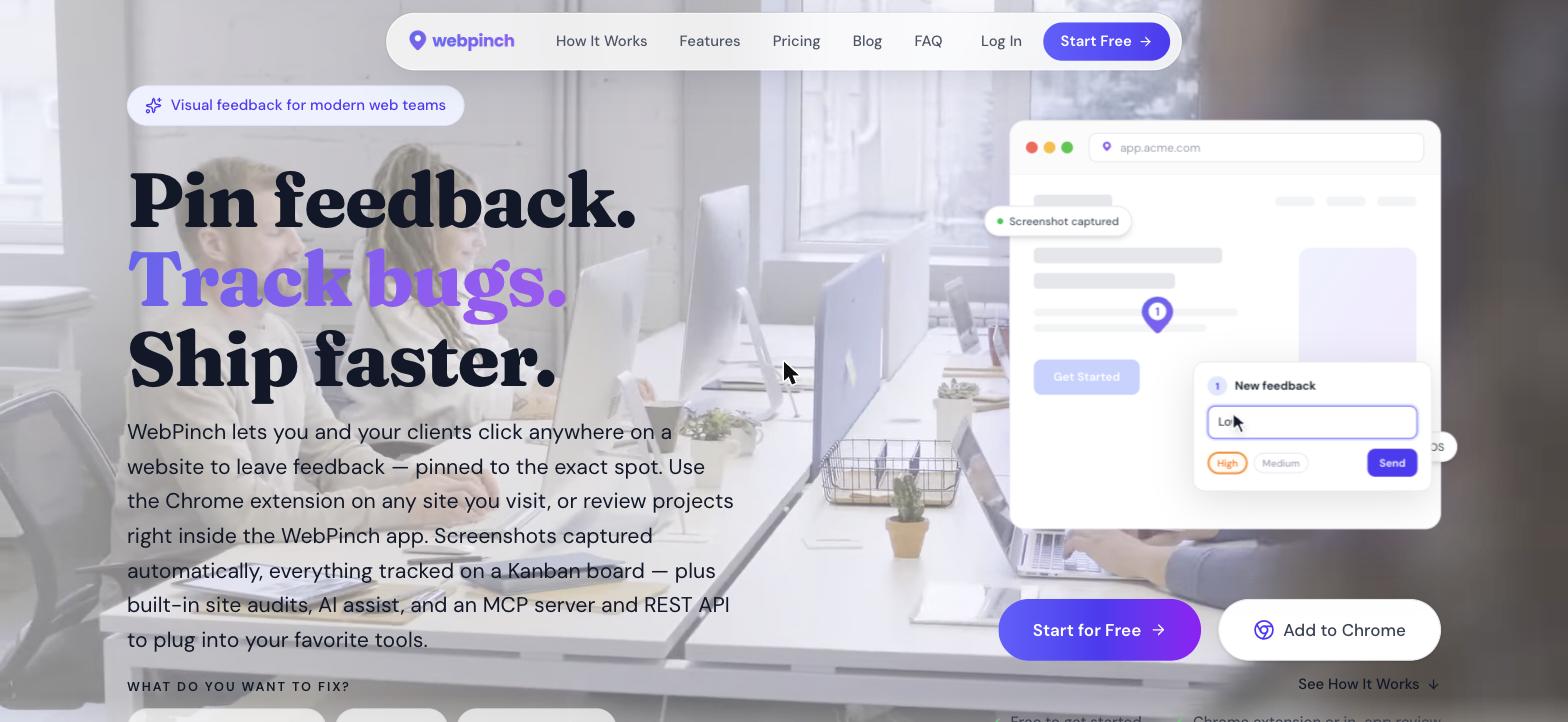
WebPinch turns vague, hard-to-reproduce feedback into precise, trackable work. Instead of describing a bug in an email, you point at it on the real page and pin a comment exactly where it lives. This first lesson covers what WebPinch is, the problem it solves, and the handful of concepts everything else builds on.
Point, click, pin feedback
At its core, WebPinch is a visual feedback and bug-reporting layer you can drop onto any website — production, staging, or even localhost.
- Click anywhere on a live page and attach a comment to that exact element.
- Every pin captures the surrounding context automatically, so nothing gets lost in translation.
- Reviewers don't need technical skills — if they can click, they can file precise feedback.
Why feedback over email and Slack breaks down
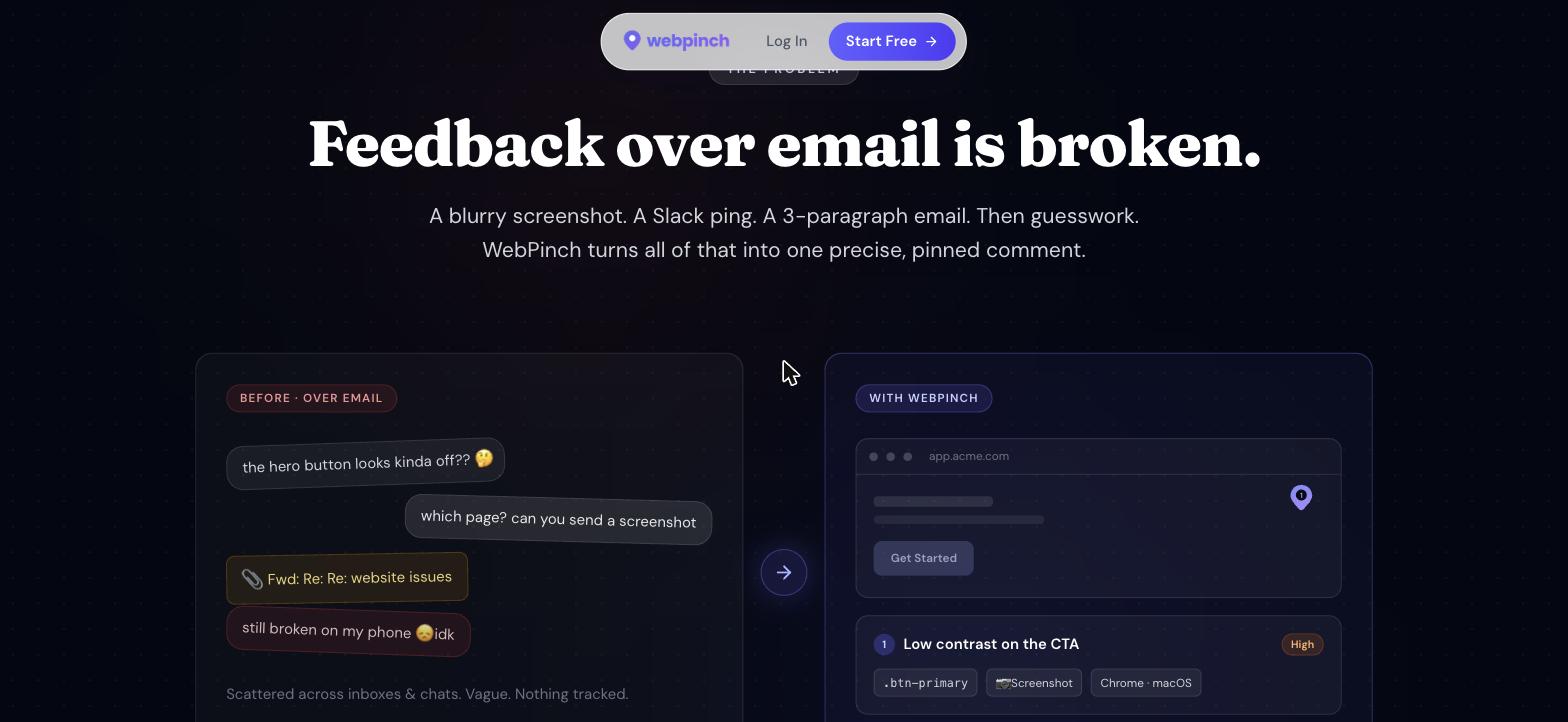
Most teams still report issues by describing them in words and pasting a screenshot. That forces the person fixing the bug to reverse-engineer what the reporter actually saw.
- Blurry screenshots and long threads turn into guesswork.
- Critical context goes missing — which page, which element, which browser, which screen size?
- Hours disappear into clarifying questions instead of shipping the fix.
The core idea: feedback in context
WebPinch fixes this by keeping the feedback attached to the thing it's about. A pin isn't just a note — it's a note bound to a place.
- A pin = the exact coordinate + a screenshot + your comment, all on a real page.
- Because context travels with the pin, anyone can reproduce the issue instantly.
- Reproducible feedback is the whole game: it turns “it looks broken” into a concrete fix.
The building blocks you'll use everywhere
Four objects show up in every workflow. Get comfortable with these names now and the rest of the course will click into place.
- Projects — one per website you're tracking (an optional URL unlocks audits and review).
- Tasks — every pin becomes a task on a Kanban board.
- Organizations — group projects so a whole team shares them.
- Pins — the captured page context that rides along with each task.
Key takeaways
- WebPinch is a visual website feedback and bug-tracking tool you can use on any site.
- You pin issues on the real page; the screenshot, browser and OS attach automatically.
- The four core objects are Projects, Tasks, Organizations and Pins.
- There are three ways to capture feedback: the Chrome extension, a visual review link, and the dashboard.
Foundations
Introduction to WebPinch
Get the full course free
Sign up to unlock every lesson, track your progress, and start using WebPinch.
Start for free