Website Review Process: Why Most Teams Waste Hours on Feedback (And How to Fix It)
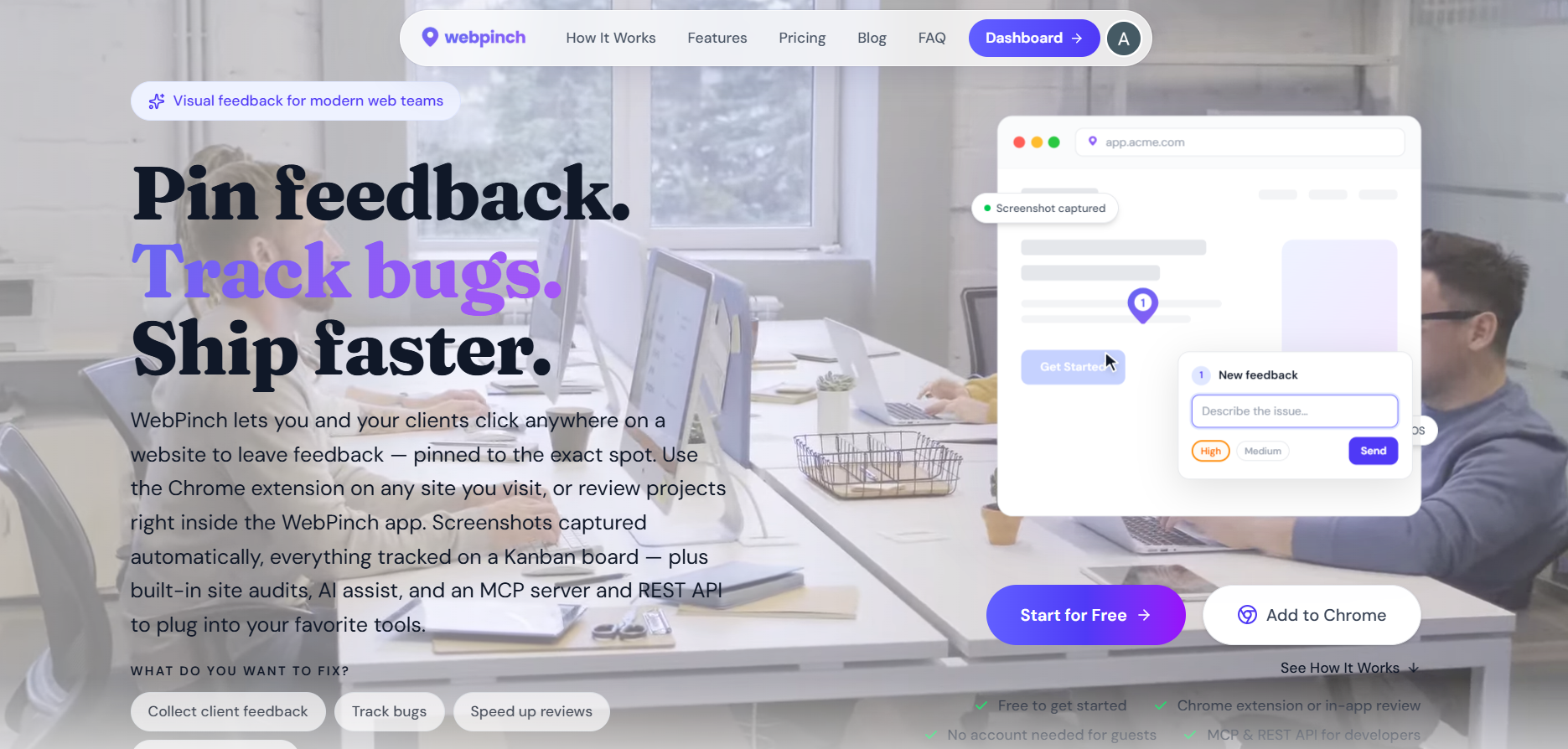

Your development team has just finished a new website. The design looks great, the pages load quickly, and everyone is excited to launch. Then the feedback starts arriving.
The client sends screenshots through email. A designer leaves comments in Slack. The project manager creates a spreadsheet of revisions. Meanwhile, the developer is trying to figure out which version of the homepage everyone is talking about.
What should have been a simple review turns into days of confusion.
This situation is surprisingly common. In fact, many website projects are delayed not because of development challenges but because the website review process is disorganized. Feedback gets scattered across different tools, comments are duplicated, and important issues are often missed.
The good news is that these problems are preventable. By creating a structured website review process, teams can reduce revision cycles, improve communication, and launch projects faster.
Why Website Reviews Become a Bottleneck
Most teams don't intentionally create a messy review workflow. It usually happens because feedback is collected using tools that were never designed for website reviews.
Consider a typical scenario. A client notices that a button is the wrong color. They take a screenshot, attach it to an email, and write a brief explanation. A few hours later, another stakeholder reports the same issue through a chat message. Now the project manager has two reports for the same problem, and the developer must determine whether they refer to the same page.
Multiply this by dozens of comments, and it's easy to see why projects slow down.
An effective website review process eliminates these communication gaps by ensuring feedback is captured in a clear, centralized, and actionable way.
Step 1: Start With Clear Review Goals
Before anyone begins reviewing a website, it's important to define exactly what is being reviewed.
For example, is the team checking the design? Testing functionality? Reviewing content? Looking for mobile responsiveness issues?
Without clear objectives, reviewers often provide random feedback that doesn't align with the current project stage.
A focused review session produces better results and helps teams prioritize what truly matters.
Step 2: Make Feedback Contextual

One of the biggest causes of confusion during a website review process is the lack of context.
Imagine receiving a comment that says:
"The spacing looks wrong here."
Where exactly is "here"?
Developers often spend more time locating issues than fixing them.
That's why modern teams are moving toward visual feedback systems. Instead of describing a problem through emails or screenshots, reviewers can click directly on a webpage and leave comments attached to specific elements.
This removes guesswork and dramatically speeds up communication.
Step 3: Turn Feedback Into Actionable Tasks
Feedback alone doesn't move a project forward.
Every comment should become a task with:
A clear description
An assigned owner
A priority level
A completion status
When feedback is transformed into structured tasks, teams can track progress and ensure nothing falls through the cracks.
This is where many traditional review methods fail. Comments often remain buried in inboxes, making it difficult to know which issues are still unresolved.
Step 4: Prioritize What Matters Most
Not every issue deserves immediate attention.
A broken checkout button is far more important than a minor spacing adjustment.
Successful teams categorize feedback according to business impact. Critical functionality issues should always be addressed first, followed by usability concerns and cosmetic improvements.
This simple step prevents teams from spending hours on low-priority changes while major problems remain unresolved.
Step 5: Create a Single Source of Truth
One of the most effective ways to improve a website review process is to centralize all communication.
When feedback is scattered across emails, spreadsheets, chat messages, and meetings, nobody has a complete picture of project status.
A centralized review platform allows every stakeholder to see:
Reported issues
Assigned tasks
Progress updates
How WebPinch Makes Website Reviews Easier
This is exactly the challenge WebPinch was built to solve.
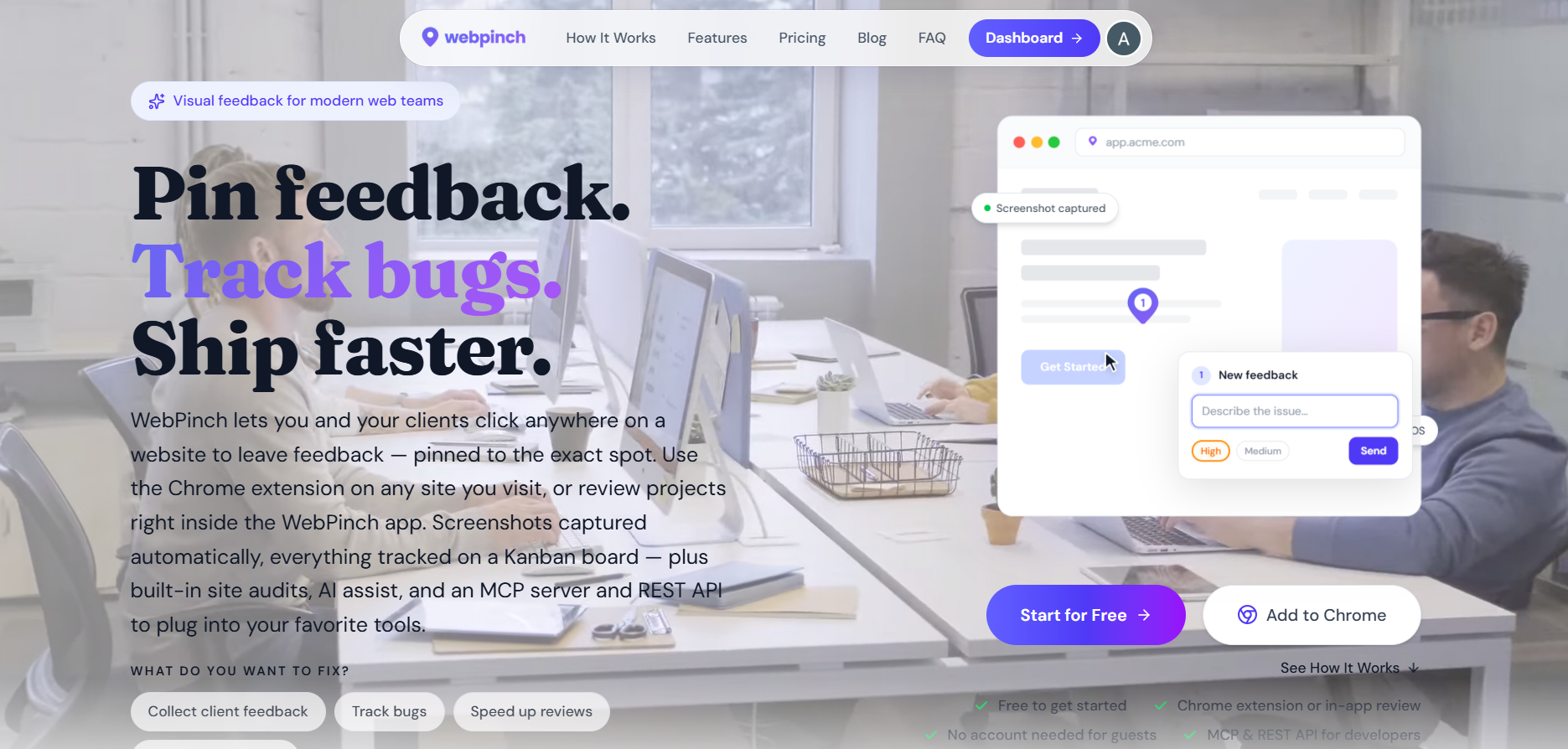
Rather than relying on screenshots, spreadsheets, and endless email chains, WebPinch enables teams to leave visual feedback directly on live websites.
A designer can pinpoint a layout issue. A client can highlight a content change. A developer can instantly understand the exact location of the problem.
Everything stays organized in one place, helping teams move from feedback to resolution much faster.
For agencies, freelancers, and in-house teams, this means fewer revision rounds, quicker approvals, and smoother project delivery.
The Bottom Line
A website can only be as good as the review process behind it.
When feedback is unclear, scattered, or difficult to track, projects become slower and more expensive. But when teams adopt a structured website review process, collaboration improves, revisions decrease, and launches happen with greater confidence.
The most successful teams aren't necessarily the ones writing the most code. They're the ones that can review, communicate, and iterate efficiently.
And in today's fast-moving digital world, that can make all the difference.
Try WebPinch free
Pin feedback on any website, capture screenshots automatically, and track everything on a Kanban board.