10 Common Website QA Mistakes That Delay Website Launches (And How to Avoid Them)

Launching a website should be an exciting milestone. Months of planning, design, development, content creation, and stakeholder collaboration all lead to that moment when a site finally goes live.
Yet for many agencies, developers, marketers, and business owners, website launches often get delayed—not because of major development issues, but because of preventable quality assurance mistakes.
A strong website QA process acts as the final safeguard before launch. It helps teams identify bugs, design inconsistencies, usability issues, and performance problems before visitors encounter them. Unfortunately, many teams rush through testing or rely on outdated review methods, leading to costly delays and last-minute revisions.
In this guide, we'll explore the ten most common mistakes teams make during website QA, why they happen, and how you can avoid them to ensure smoother and faster website launches.

Why Website QA Is Critical Before Launch
A website launch isn't simply the final step in a project. It's the moment when your work becomes visible to customers, stakeholders, and search engines.
Without proper website QA, businesses risk launching websites that contain:
Broken functionality
Design inconsistencies
Poor mobile experiences
Performance issues
Accessibility barriers
SEO problems
The best agencies and development teams understand that a structured QA process reduces launch risks, improves user satisfaction, and minimizes costly post-launch fixes.
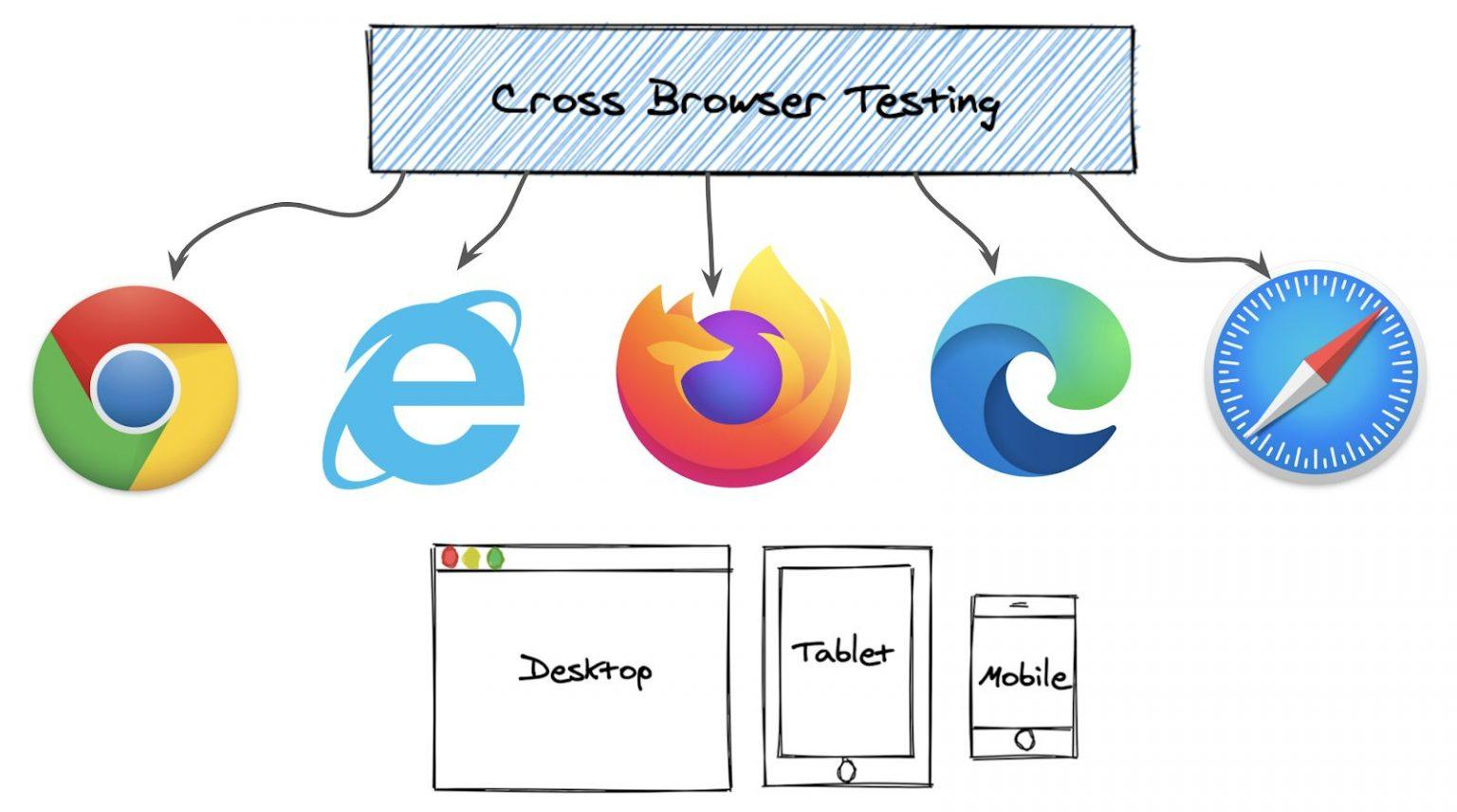
1. Testing Only on One Browser
One of the most common mistakes during website QA is assuming that if a website works in one browser, it will work everywhere.
Different browsers render websites differently. A page that looks perfect in Chrome may display layout issues in Safari or Firefox.
How to Avoid It
Always test on:
Google Chrome
Mozilla Firefox
Safari
Microsoft Edge
Also verify functionality across different browser versions whenever possible.
2. Ignoring Mobile Testing
Many teams still conduct the majority of their testing on desktop devices.
However, mobile traffic now accounts for a significant portion of website visits. Ignoring mobile testing creates serious user experience problems.
During website QA, verify:
Responsive layouts
Navigation menus
Touch interactions
Form functionality
Loading speed
Content readability
Why It Matters
A poor mobile experience can lead to higher bounce rates, lower conversions, and frustrated users.
3. Not Testing Real User Journeys
Many testers focus on individual pages instead of complete user experiences.
A website may appear functional until someone attempts to:
Submit a form
Make a purchase
Book an appointment
Download a resource
Create an account
Effective website QA should replicate real visitor behavior from start to finish.
Best Practice
Create test scenarios based on actual user goals and verify every step of the journey.
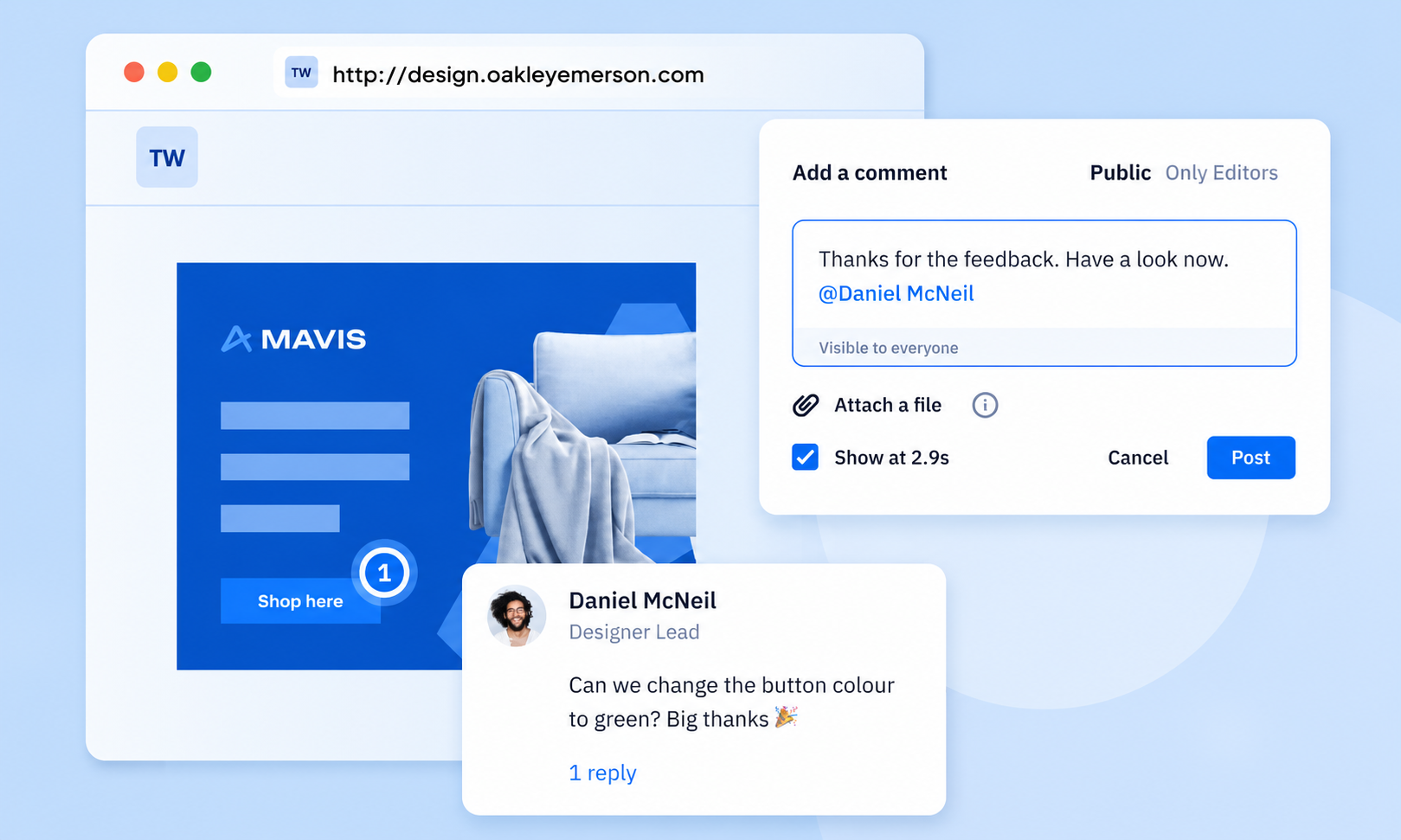
4. Collecting Feedback Through Emails and Screenshots
One of the biggest causes of launch delays is fragmented feedback.
Teams often receive comments through:
Email threads
Messaging apps
Shared documents
Spreadsheets
Screenshots
This creates confusion, duplicate reports, and missed issues.
A Better Approach
Modern visual feedback platforms such as WebPinch and competitors like BugHerd allow stakeholders to pin feedback directly on webpages, making website QA significantly more organized and efficient.
5. Skipping Performance Testing
A visually perfect website can still fail if it loads slowly.
Website speed directly impacts:
User engagement
Conversion rates
Search rankings
Customer satisfaction
Unfortunately, performance testing is often overlooked during website QA.
Key Areas to Review
Page load speed
Image optimization
JavaScript performance
Server response times
Core Web Vitals
Even a few seconds of delay can negatively affect launch success.
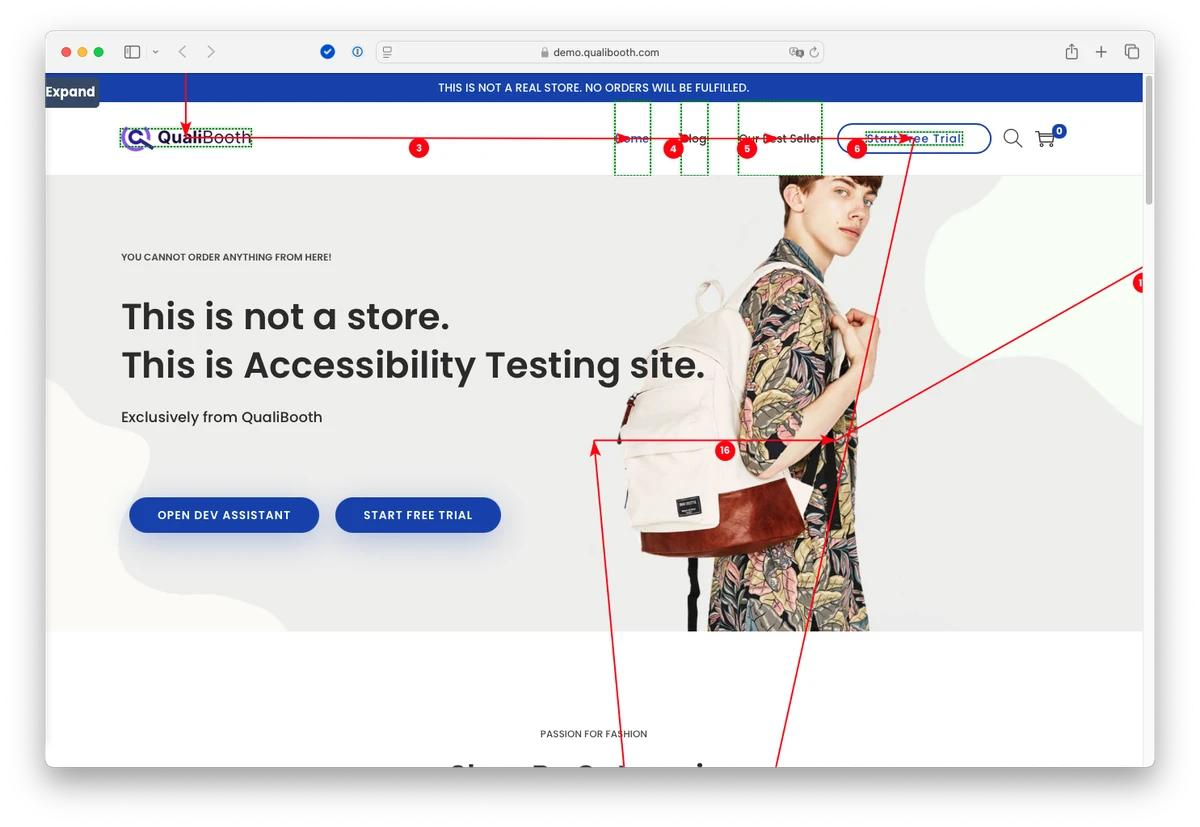
6. Overlooking Accessibility Requirements
Accessibility is no longer optional.
Websites should be usable for everyone, including individuals with disabilities.
Yet accessibility remains one of the most neglected parts of website QA.
Common Accessibility Issues
Missing alt text
Poor color contrast
Keyboard navigation failures
Inaccessible forms
Unclear button labels
Addressing these issues before launch improves usability for all visitors.
7. Forgetting SEO Quality Checks
Many teams focus heavily on design and functionality while neglecting SEO readiness.
A complete website QA checklist should include:
Technical SEO Checks
Page titles
Meta descriptions
Header structure
XML sitemap
Robots.txt
Internal links
Redirects
Canonical tags
Launching without these elements can hurt search visibility from day one.
8. Failing to Prioritize Reported Issues
Not every bug deserves the same level of attention.
One challenge during website QA is distinguishing between:
Critical issues
Major issues
Minor improvements
Without prioritization, teams waste valuable time fixing low-impact problems while critical launch blockers remain unresolved.
Recommended Bug Categories
Critical
Issues preventing core functionality.
Major
Problems affecting usability or conversions.
Minor
Cosmetic or low-priority improvements.
Clear prioritization helps teams focus resources where they matter most.
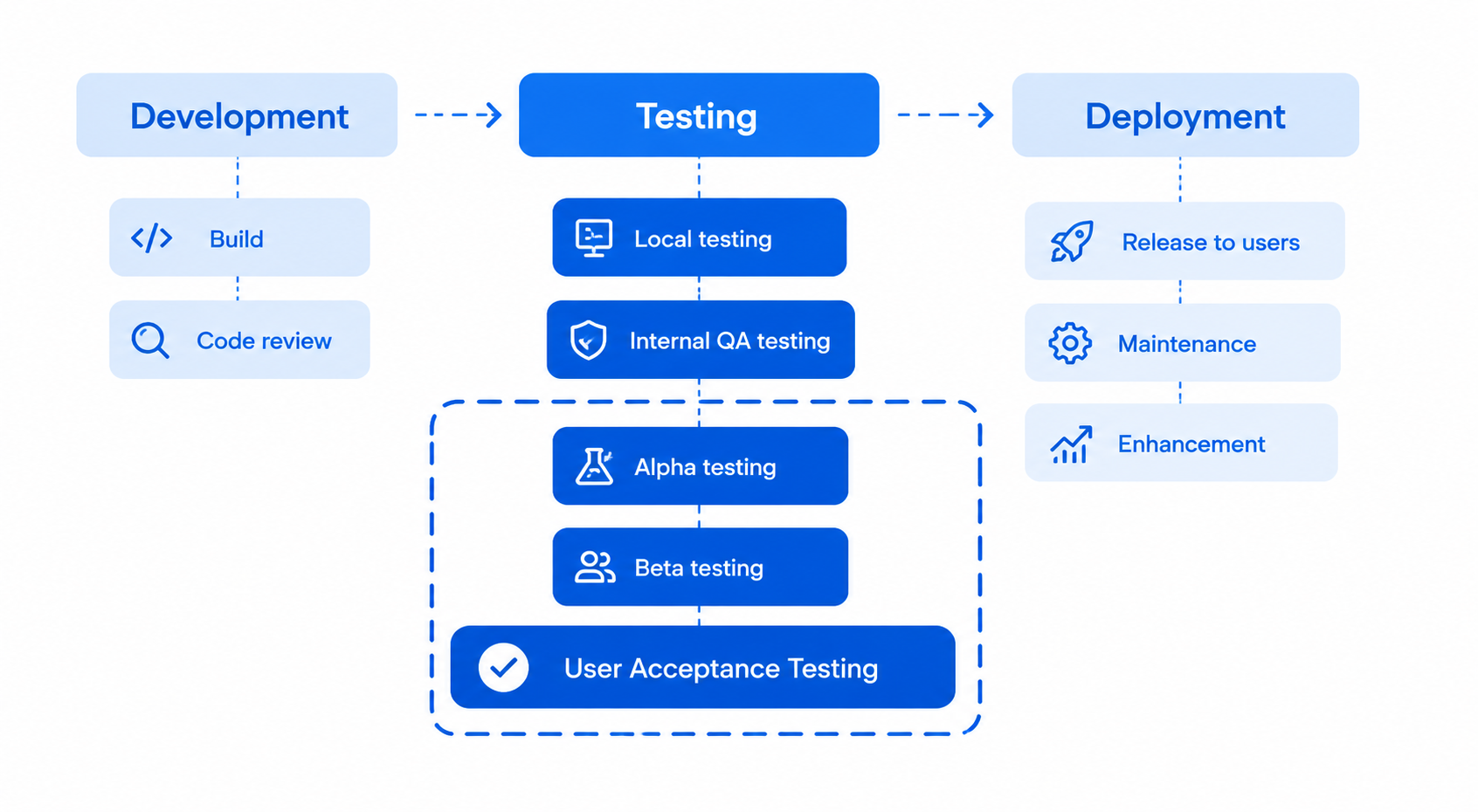
9. Leaving QA Until the End of the Project
Many organizations treat testing as a final task rather than an ongoing process.
This approach often leads to large volumes of unresolved issues just before launch.
Successful teams integrate website QA throughout the project lifecycle.
Benefits of Continuous QA
Earlier issue detection
Faster fixes
Lower development costs
Reduced launch stress
Improved collaboration
10. No Structured Approval Workflow
One of the most overlooked launch delays comes from unclear approval processes.
Questions like these frequently arise:
Who signs off on design?
Who approves content?
Who verifies functionality?
Who gives final launch approval?
Without defined ownership, projects can remain stuck in review cycles for days or even weeks.
Create a Launch Approval Checklist
Include sign-off from:
Project managers
Designers
Developers
Marketing teams
Clients or stakeholders
A structured approval process ensures that website QA leads directly to launch rather than endless revisions.
What Industry Leaders Do Differently
Top-performing agencies and digital teams share several common practices.
Organizations using platforms such as BugHerd, Usersnap, and Marker.io typically focus on:
Visual feedback collection
Centralized communication
Clear issue ownership
Continuous testing
Automated reporting
Faster stakeholder approvals
These practices help streamline website QA and significantly reduce launch delays.
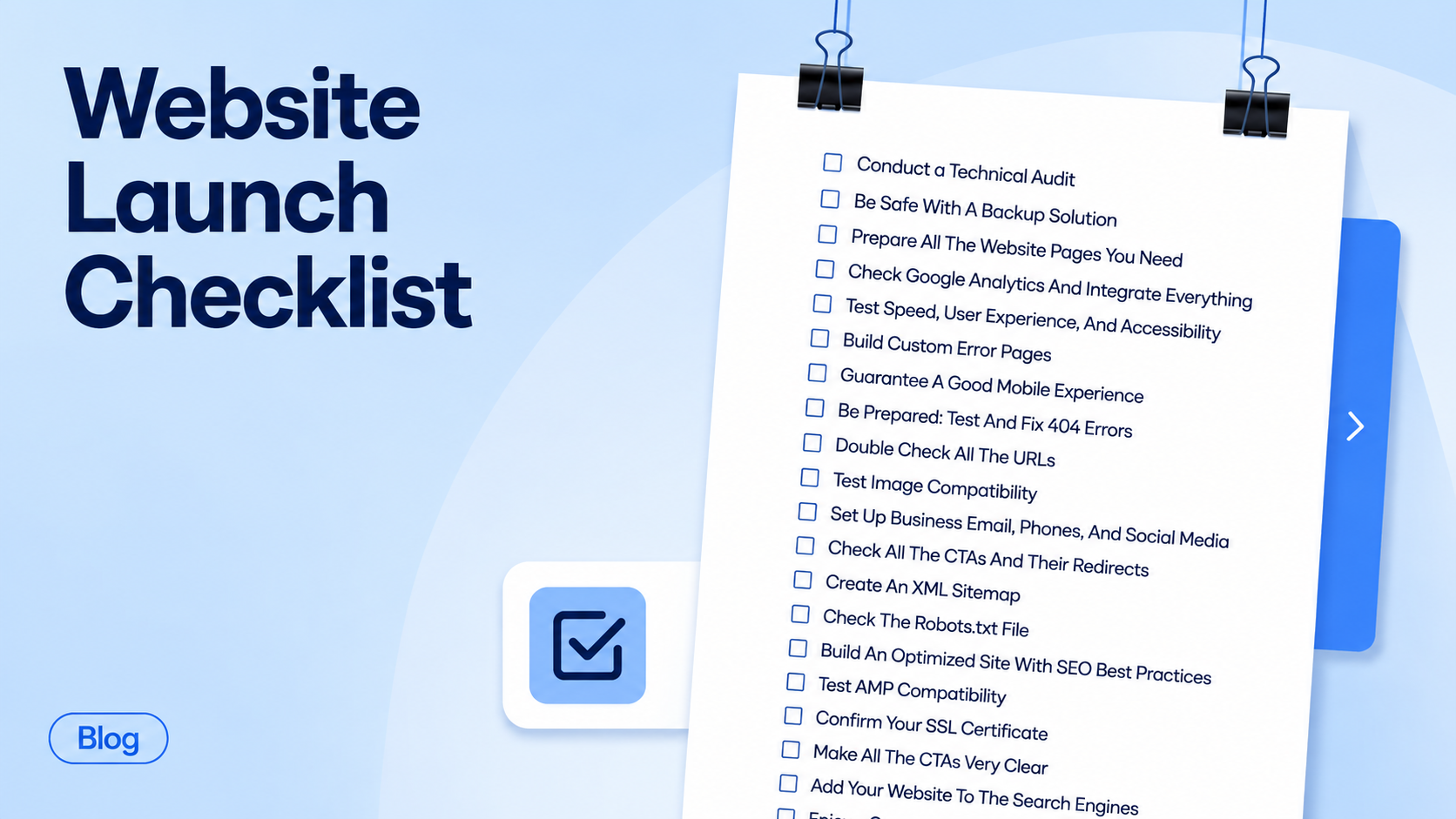
A Practical Website QA Checklist Before Launch
Before going live, verify:
Design
Layout consistency
Branding accuracy
Responsive behavior
Functionality
Forms working correctly
Buttons functional
Links validated
Performance
Fast loading times
Optimized assets
Stable performance
Accessibility
Alt text present
Contrast compliant
Keyboard accessible
SEO
Metadata complete
Sitemap generated
Redirects configured
Final Approval
Stakeholder sign-off completed
Launch checklist reviewed
Critical issues resolved
Following a structured website QA process dramatically improves launch readiness.
Conclusion
Website launches rarely fail because of one major issue. More often, they get delayed by dozens of small problems that accumulate throughout the project.
By avoiding these ten common mistakes, teams can reduce revisions, improve collaboration, and launch websites with greater confidence.
A well-executed website QA strategy ensures that websites are not only visually appealing but also functional, accessible, optimized, and ready for real users.
For agencies, developers, marketers, and business owners, investing in a smarter QA process is one of the most effective ways to deliver better websites faster.
Whether you're managing a single project or dozens of client websites, prioritizing website QA can mean the difference between a smooth launch and weeks of unnecessary delays.
Watch this brief demo to see how modern visual feedback tools can streamline your QA process. -https://youtu.be/h7cX1DLvLYQ?si=c4roPMdZQOjTNpGn
To see how modern visual feedback tools can streamline collaboration, be sure to check out WebPinch for centralized bug tracking.-https://www.webpinch.com/
Try WebPinch free
Pin feedback on any website, capture screenshots automatically, and track everything on a Kanban board.