The Bug Everyone Thought Was Someone Else’s Problem
The team had just finished a new website update. Everyone was happy with it. The designer had polished the final details. The developer had finished the code. QA had checked the important pages. Then someone noticed a small problem. “The button looks wrong.” A message was sent to the developer. The developer opened the website. “Which button?” A screenshot followed. “This one.” “What’s wrong with it?” “It just doesn’t look right.” And suddenly, a tiny problem became a conversation. The designer had one opinion. The tester had another. The developer couldn’t reproduce it. Everyone was looking at the same website. But nobody was looking at the same problem.
The Problem Wasn’t the Bug
Eventually, they figured it out. The button wasn’t actually broken. A small spacing change had pushed it slightly out of alignment on one screen size. The fix itself was simple. But getting everyone to understand what needed to be fixed was the difficult part. And this happens all the time. Not because teams don’t communicate. Because sometimes, words aren’t enough.
Try Explaining a Visual Problem Without Showing It
Think about saying: “The heading is slightly too far to the left.” How far? Compared to what? On which screen? Which heading? Now compare that with simply pointing at the heading and saying: “This needs to move.” Suddenly, there is no confusion. That’s the power of visual feedback. When the problem exists on a website, the easiest way to explain it is often to show exactly where it exists.
This Is Where WebPinch Comes In
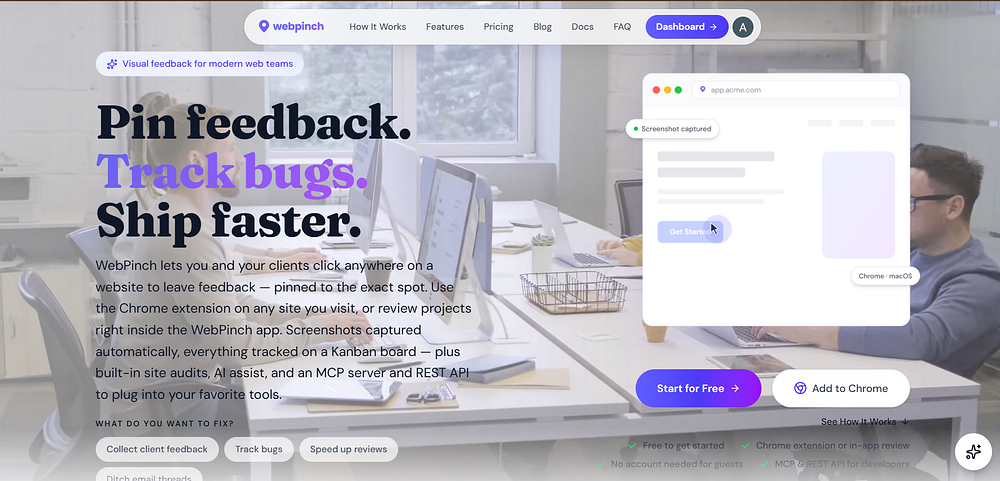
WebPinch makes website feedback visual. Instead of sending long messages, switching between screenshots, and trying to explain what went wrong, you can pin feedback directly on the page. The developer sees the issue. The designer sees the issue. The project manager sees the issue. Everyone is looking at the same thing. No guessing. No searching through old messages. No: “Wait, which section are you talking about?” Just the problem, exactly where it happens.
Better Communication Doesn’t Mean More Communication
This is something teams often get wrong. When a project starts getting complicated, people create more messages, more meetings, more comments and more updates. But more communication doesn’t always mean better communication. Sometimes, the best communication is simply: “Here. This is the problem.” And that’s what visual feedback makes possible.
The Goal Isn’t Just to Find Bugs
A good feedback process does more than help developers fix bugs. It helps designers understand changes. It helps clients explain what they want. It helps QA report issues clearly. And it helps teams spend less time explaining and more time building. Because at the end of the day, your team doesn’t need another place to talk about problems. It needs a better way to show them. WebPinch — See the problem. Pin it. Fix it. Ship better.
Try WebPinch free
Pin feedback on any website, capture screenshots automatically, and track everything on a Kanban board.