The Feedback Loop: Why Website Fixes Don't End With "Done"
A developer fixes the bug. The task is marked Done. Everyone moves on.
Or at least, that’s how it’s supposed to work.
In reality, website feedback rarely ends that neatly.
Sometimes the fix works on desktop but breaks on mobile. Sometimes the client checks the website and notices something slightly different from what they originally reported. And sometimes, fixing one problem creates another.
That’s why the final step of a good feedback process isn’t simply “Done.”
It’s checking whether the fix actually solved the problem.
A Fix Isn’t Always the Finish Line
Let’s say a client reports that a button is sitting too low on a mobile page.
The developer adjusts the spacing, tests it quickly, and marks the task complete.
Later, the client opens the same page on another phone.
The button looks better — but now the text above it is too close.
Technically, the original bug was fixed.
But the user experience still isn’t quite right.
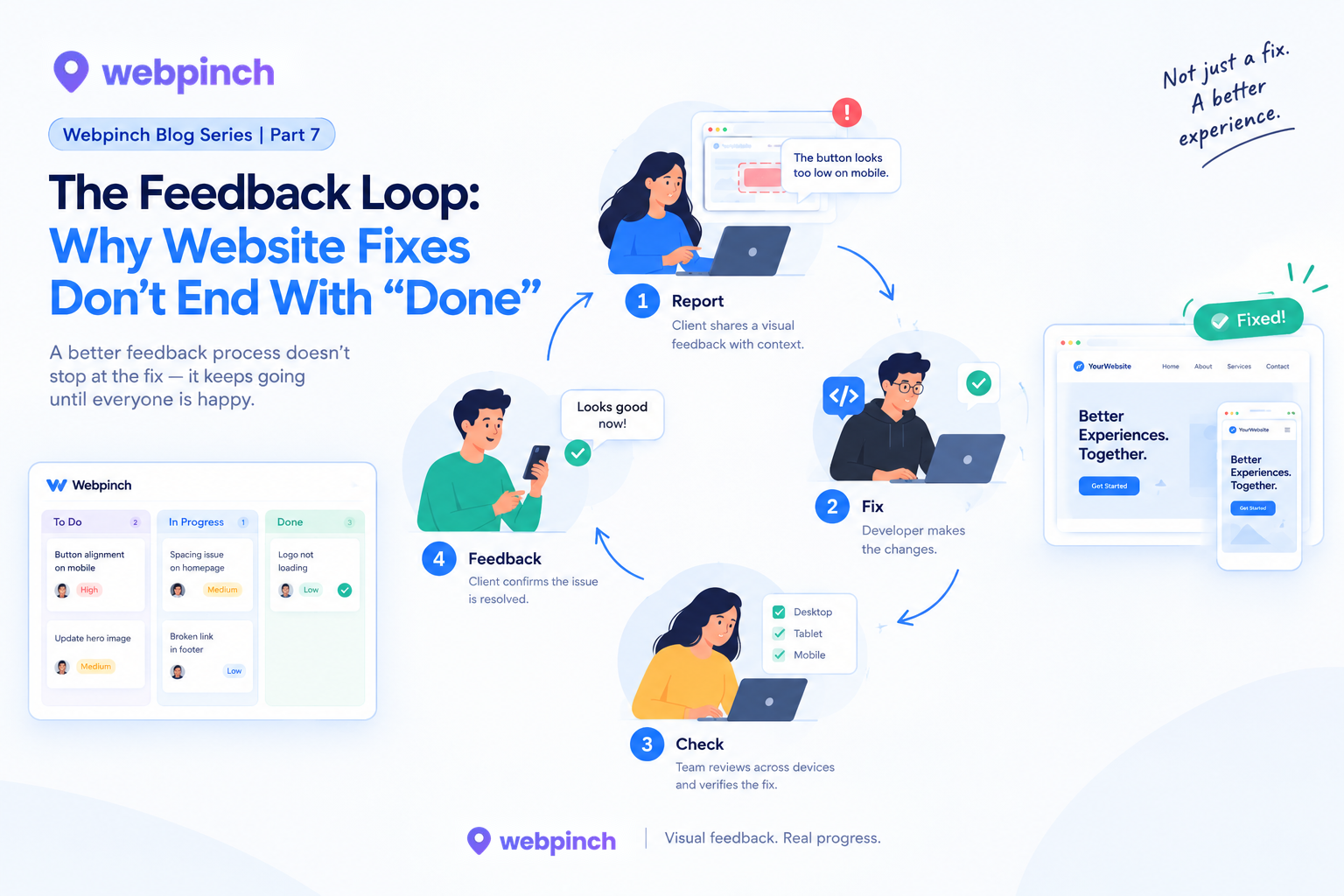
This is why feedback needs to work as a loop, rather than a one-way conversation.
Report → Understand → Fix → Check → Feedback
And sometimes, that loop happens more than once.
This Is Where Clear Communication Matters
The frustrating part isn’t always the bug itself.
It’s the back-and-forth.
“Can you check this?”
“Which page?”
“This one.”
“Can you send a screenshot?”
“Here.”
“Which device?”
And suddenly, five messages have been exchanged before anyone has even started fixing the problem.
When feedback already includes the right visual and contextual information, everyone has a clearer starting point.
That means developers can spend more time solving the issue and less time trying to figure out what the issue actually is.
What Happens After the Fix?
Once a fix is implemented, the team should ideally revisit the original feedback.
Did the issue disappear?
Does the page behave correctly across the relevant screen sizes?
Does the change affect anything else?
And most importantly:
Does the website now behave the way the person reporting the issue expected it to?
That last question is easy to overlook.
A developer might consider a task technically complete, while a client might still see something that needs attention.
Both perspectives matter.
Where Webpinch Fits In
This is where Webpinch can become part of the feedback loop.
Instead of feedback disappearing into an email thread or chat conversation, teams can keep website issues connected to the actual page and organize them as work progresses.
The feedback becomes more than a screenshot.
It becomes a conversation between the person who noticed the problem and the people responsible for fixing it.
And when the fix is ready, the website can be reviewed again.
That’s a much more natural way to work.
Better Feedback Isn’t About More Feedback
Nobody wants to spend their day reporting bugs.
Clients don’t want to write long explanations.
Developers don’t want to read vague messages.
Designers don’t want to chase updates.
The goal isn’t to create more feedback.
It’s to make the right feedback easier to give, understand, and resolve.
Because a website isn’t really finished when the developer says “Done.”
It’s finished when the person using it can say:
“Yes, that’s exactly what I meant.”
Try WebPinch free
Pin feedback on any website, capture screenshots automatically, and track everything on a Kanban board.